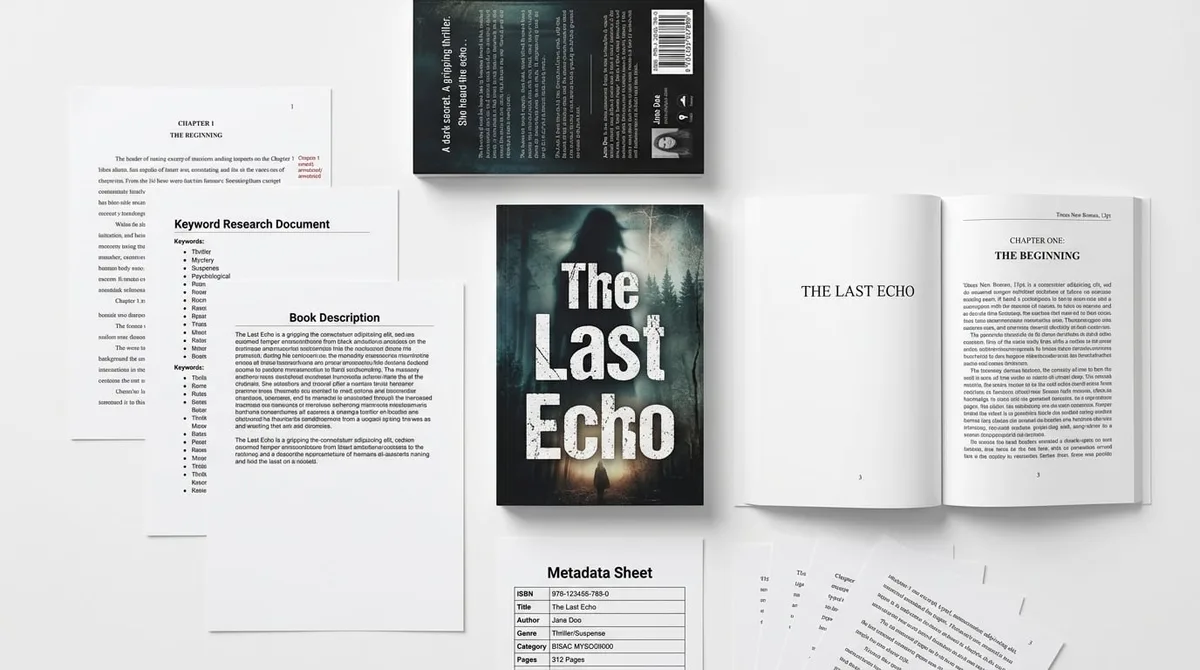
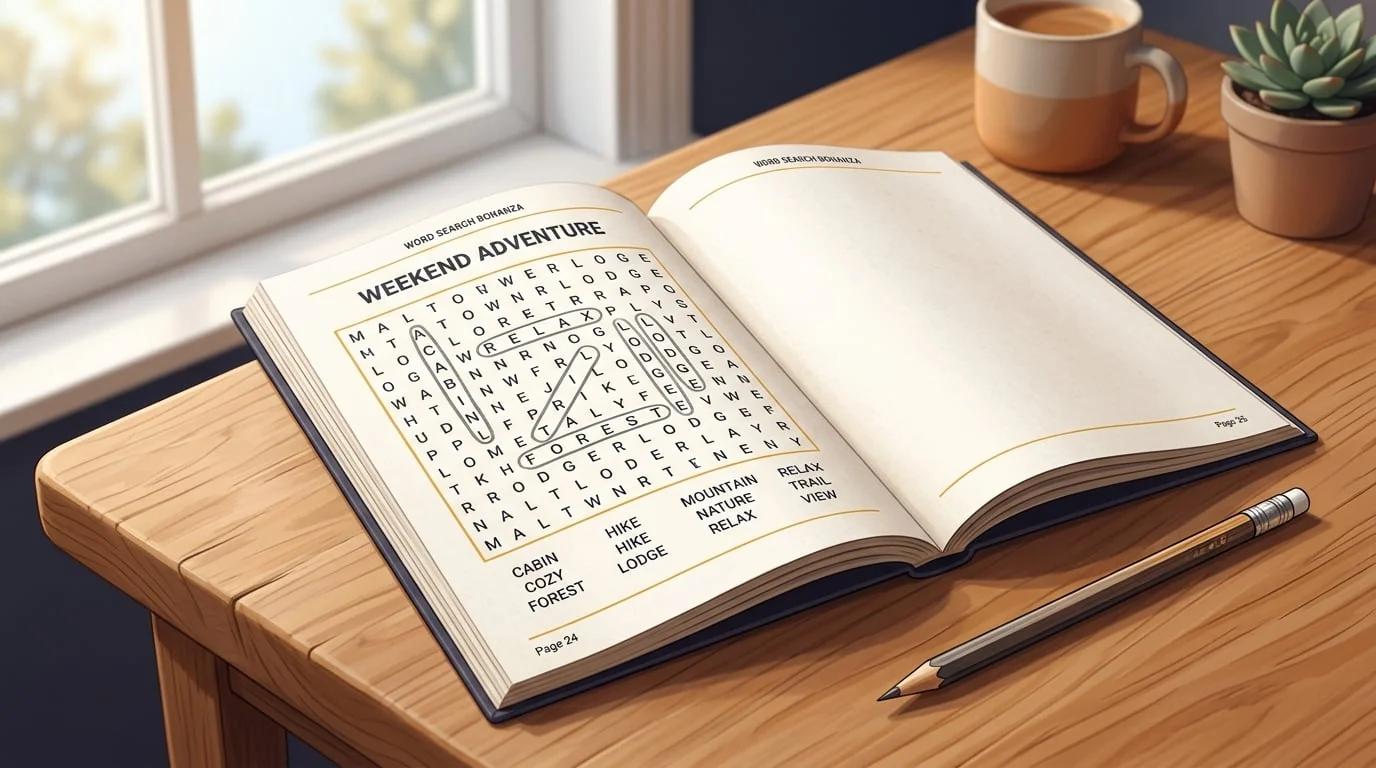
How to Make a Word Search Book for Amazon KDP
Skip the theory? Generate a free book preview in about a minute — no signup, no card.
Try it freeWord search books are one of the easiest interiors to produce well, which is exactly why the category is crowded. This guide walks through the decisions that actually matter — theme, audience, grid size, and layout — so the book you publish stands a real chance instead of disappearing into the pile.
Who are you making it for?
The single most useful thing you can do before opening any tool is decide on a specific audience and theme. “Word search book” is not a market — “large-print word search for seniors about classic movies” is. A tight theme gives you a clearer cover, a more searchable title, and word lists that feel curated instead of random.
Spend a few minutes in the keyword research tool to confirm people actually search for your angle and to see how saturated it is. Look for themes with steady interest and covers that look dated or generic — that gap is your opening.
Choose a trim size and grid format
For word search, page size and grid size go together. The two common setups:
- 8.5 x 11 in — the standard. Fits 15x15 to 20x20 grids comfortably and is the natural choice for large-print editions.
- 6 x 9 in — more portable, better for smaller 12x15 grids and travel-style books.
If you are unsure, read the trim size guide and our post on choosing a trim size. Whatever you pick, keep it identical across every volume in a series so your books stack neatly on a shelf.
Word search book setup screen: theme, grid size, puzzle count, and trim size.
Build the puzzles
A solid word search book has consistent grids, a sensible word count per puzzle (usually 15–25 words), and a clean answer key. Building these by hand is slow and error-prone — a single misplaced letter can make a puzzle unsolvable. The Word Search Book Creator generates themed grids with guaranteed-placeable word lists and an automatic solutions section, so you can focus on theme and design instead of grid math.
If you want variety in one book, the broader Puzzle Book Creator lets you combine word search with crosswords, mazes, and sudoku.
Layout and readability
- Use a clear, monospaced-style grid font so letters line up perfectly.
- For large print, use 18pt or larger grid letters and generous spacing.
- Put one puzzle per page; never split a grid across two pages.
- Group all solutions at the back, labeled to match each puzzle.
- Leave comfortable inner margins so text isn’t swallowed by the spine.
Interiors built from grids and text generally do not need bleed, but margins still matter. The bleed and margins guide explains the safe inner-margin sizes based on page count.
Cover and metadata
Your cover competes as a thumbnail, so make the title, theme, and “large print” (if applicable) legible at small size. Get exact dimensions from the cover size calculator — cover size is the most common reason books get rejected, which we cover in this post on cover size mistakes.
Write a description that names the theme, puzzle count, page size, and who it’s for. A focused description converts better than a vague one — see how to write a KDP description that converts.
Before you publish
- Solve a few puzzles yourself to confirm every word is findable.
- Check that the solutions match the puzzles exactly.
- Run through the upload checklist for file and metadata requirements.
- Order or preview a proof to check print margins and contrast.
Frequently Asked Questions
How many puzzles should a word search book have?
Most word search books include 50 to 100 puzzles plus a solutions section. A common structure is one puzzle per page with the answer key grouped at the back. Page count drives your printing cost and minimum price, so check the math before committing to a length.
What trim size works best for word search books?
8.5 x 11 inches is the most popular choice because the larger page fits bigger grids and works well for large-print editions. 6 x 9 inches is also used for more portable books with smaller grids. Pick one and keep it consistent across a series.
Do I need bleed for a word search interior?
Interiors made of grids and text usually do not need bleed because nothing runs to the edge of the page. You only need bleed when an element (like a background or image) extends past the trim line. The cover, however, always needs bleed.
Can I sell word search books made with a tool?
Yes. You own the books you generate, and themed word lists and grids are not copyrightable as puzzles. Just make sure your cover art, title, and any added content are original or properly licensed, and follow Amazon's content guidelines.
Turn this idea into a book — free sample
Type a book idea and we'll generate a real cover preview in about a minute. No signup, no card.