KDP Trim Sizes: How to Choose the Right Book Size (+ Guide)
Skip the theory? Generate a free book preview in about a minute — no signup, no card.
Try it freeTrim size is the physical width and height of your printed book, and it’s one of the few decisions you can’t easily change later. Pick it based on your content and genre, not a guess — here’s how to get it right the first time.
Match trim size to content type
The right size is mostly determined by what’s on the page:
- 6 x 9 in — the default for novels, memoirs, and most nonfiction. Standard, shelf-friendly, reasonable page counts.
- 5 x 8 in / 5.5 x 8.5 in — compact fiction, poetry, pocket guides, and gift books.
- 8.5 x 11 in — workbooks, planners, journals, puzzle books, and anything with wide layouts or large print.
- 8 x 10 in / 8.5 x 8.5 in — children’s picture books and illustrated titles.
- 7 x 10 in — a middle ground for textbooks and content-heavy nonfiction.
For the complete list of supported sizes, see the trim size guide.
Understand the cost trade-off
Trim size and page count together drive your printing cost and your minimum list price. A larger page fits more content, lowering page count; a smaller page raises it. Use the royalty calculator to compare scenarios before you commit, so your chosen size still leaves room for a healthy margin.
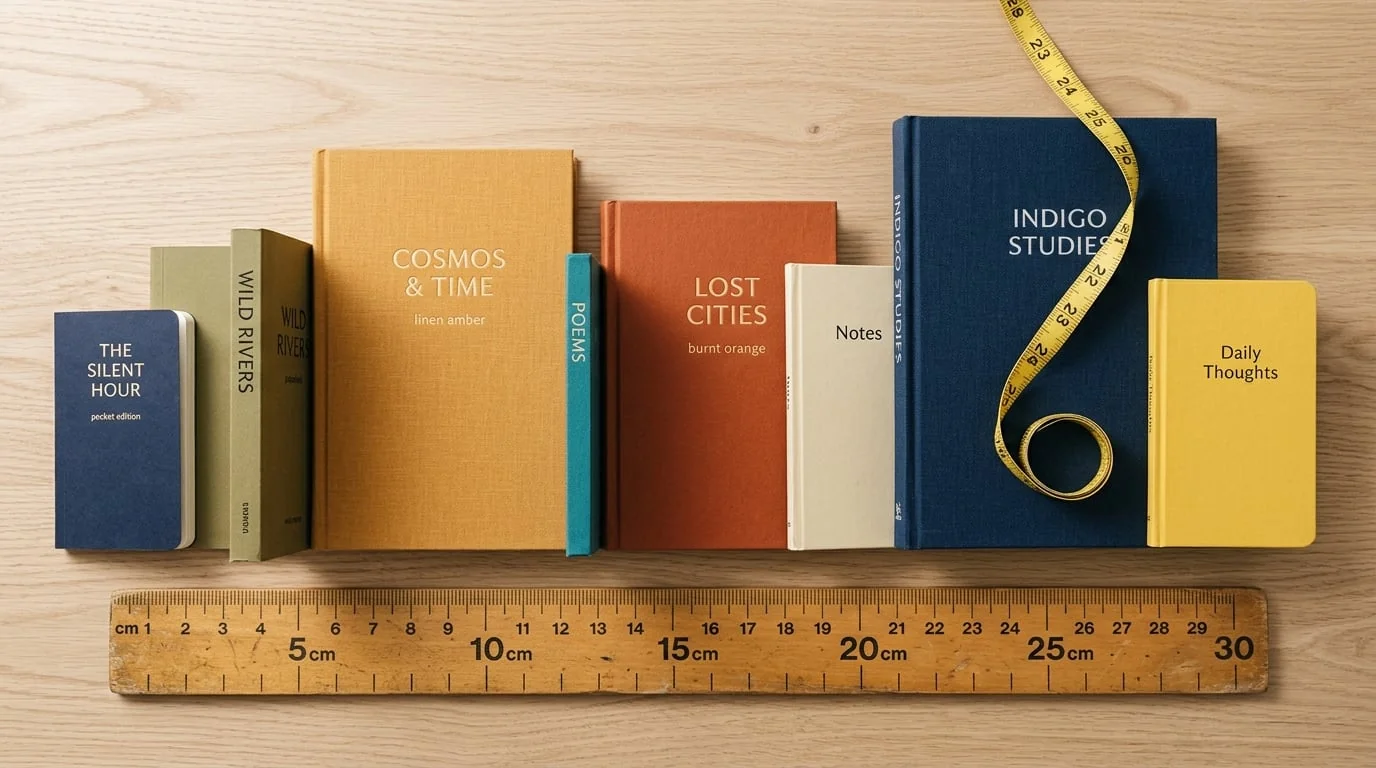
Trim size comparison: the same content laid out at 6x9 vs 8.5x11 and the resulting page counts.
Consider genre expectations
Readers have unconscious expectations. A novel at 8.5 x 11 looks like a workbook; a planner at 5 x 8 feels cramped. Browse the top results in your category and match the norm unless you have a deliberate reason to stand out. Fitting the category also makes your thumbnail read correctly at small size.
Remember the downstream effects
Trim size cascades into everything else: your cover must be sized for the trim plus bleed and spine (use the cover size calculator and spine width calculator), and your interior margins depend on it (see the margins guide). Choosing the wrong size is a leading cause of rejected covers — more on that in cover size mistakes.
Lock it in early and stay consistent
Decide your trim before you finalize layout, and keep it identical across a series so your books look like a set. Whether you’re making a puzzle book, a journal, or a novel, set the size first and build everything else around it.
Frequently Asked Questions
What is the most common KDP trim size?
6 x 9 inches is the most widely used size for novels, nonfiction, and most text-based books because it looks standard on a shelf and keeps page counts reasonable. 8.5 x 11 inches is the go-to for workbooks, planners, and puzzle books that need room for content.
Does trim size affect printing cost?
Yes. Larger trim sizes use more paper per page, and trim size combined with page count determines your printing cost and minimum list price. A smaller trim with the same word count means more pages, so there's a trade-off to weigh.
Can I change trim size after publishing?
You can't change the trim size of an existing print book — you'd publish a new edition, which means a new interior and a new cover sized for the new dimensions. It's much easier to choose the right size up front.
Should every book in a series use the same trim size?
Yes. Keeping trim size consistent across a series makes the books look like a set on a shelf and in thumbnails, and lets you reuse cover templates and interior settings.
Turn this idea into a book — free sample
Type a book idea and we'll generate a real cover preview in about a minute. No signup, no card.