How to Write a KDP Book Description That Converts
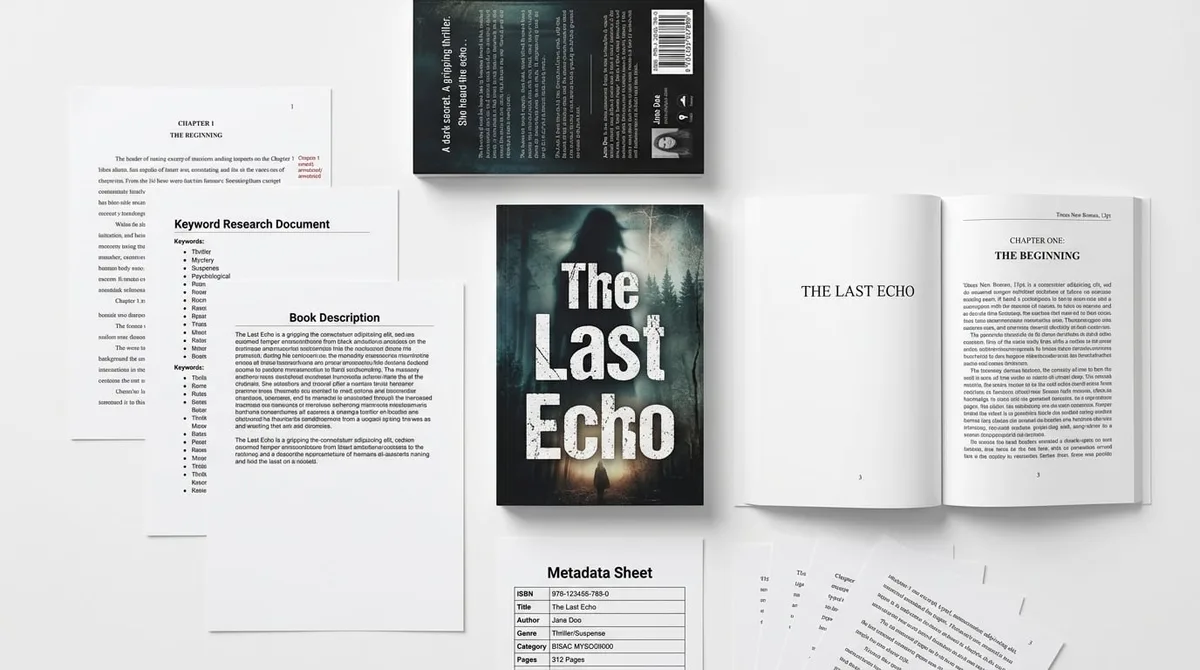
Skip the theory? Generate a free book preview in about a minute — no signup, no card.
Try it freeYour description is the sales page for your book. Shoppers have already seen the cover and price; the description decides whether they buy. Here’s a reliable framework — no hype, no false promises — that helps the right reader say yes.
Start with the reader, not the author
The first line should speak directly to what the buyer wants or struggles with. “You want a planner that actually fits a nurse’s 12-hour shift” beats “This planner was created by…”. Lead with the reader’s situation; save author credibility for later, and only if it helps the sale.
A structure that works
- Hook (1–2 lines): name the reader’s goal or problem.
- Promise (2–3 lines): what the book helps them do, concretely.
- What’s inside (bulleted): sections, page count, formats, special features like large print or solutions.
- Who it’s for (1–2 lines): confirm fit so the right buyer feels seen.
- Soft close (1 line): a calm nudge to buy — no pressure, no exaggerated claims.
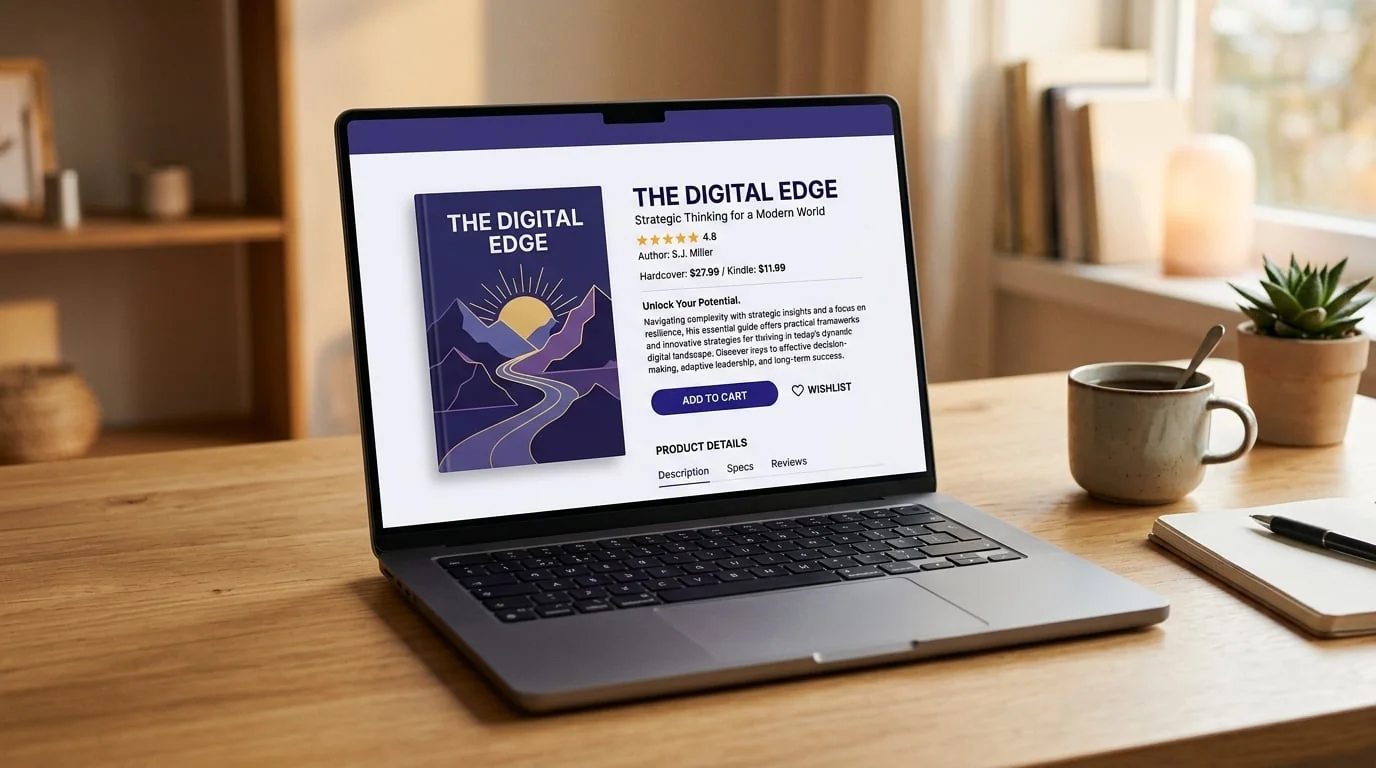
Annotated example description showing the hook, benefit lines, contents list, and audience line.
Format for scanning
Most shoppers skim. Use Amazon’s supported light HTML for a bold opening line, short paragraphs, and a bulleted contents list. A formatted description reads as more professional and converts better than an unbroken block. The description formatter adds Amazon-safe formatting so you don’t paste broken tags.
Work in the words buyers use
Write naturally, then make sure the language reflects how people actually search — “large print,” “gift,” “for beginners,” the specific theme. Find those terms with the keyword research tool, and reserve dedicated keywords for the seven backend fields rather than stuffing them into the copy.
Be specific and honest
Specifics sell: page count, number of puzzles or recipes, trim size, what’s included. Avoid unverifiable claims and anything that implies guaranteed results or income. Accurate, concrete descriptions also reduce returns and bad reviews, which protects the listing long-term.
Draft faster, then edit
You don’t have to start from a blank page. The description generator turns your book details into a structured first draft you can refine. If you’re building the book itself, the Nonfiction Book Creator produces the manuscript and metadata together, and you can see a complete example in the metadata sample.
A strong title supports the description — test options with the title generator.
Frequently Asked Questions
How long should a KDP book description be?
Amazon allows up to 4,000 characters. You rarely need all of it. Aim for enough to hook the reader, explain who the book is for, and list what's inside — often 600 to 1,500 characters for nonfiction and low-content books, a bit more for fiction.
Can I use HTML formatting in the description?
Amazon supports a limited set of HTML tags for bold, line breaks, and lists in the description field. Light formatting — a bold hook, short paragraphs, and a bulleted list of contents — makes descriptions far more scannable than a wall of text.
Should I put keywords in the description?
Write for the reader first, then make sure the natural language includes the terms buyers actually search. Don't stuff keywords — it reads badly and doesn't help. Your seven backend keyword fields are where dedicated keywords belong.
What's the most common description mistake?
Leading with the author or backstory instead of the reader's problem. The first line should speak to what the buyer wants. Vague claims and missing specifics (page count, what's included, who it's for) are the other big conversion killers.
Turn this idea into a book — free sample
Type a book idea and we'll generate a real cover preview in about a minute. No signup, no card.