How to Make a Cookbook for Amazon KDP
Skip the theory? Generate a free book preview in about a minute — no signup, no card.
Try it freeA cookbook lives or dies on consistency and clarity. Readers want recipes they can follow without friction, in a layout that looks edited. This guide covers the planning and formatting choices that make a cookbook feel professional — and the cost decisions that affect your price.
Choose a focused theme
“Cookbook” is too broad to market. A defined angle — 30-minute weeknight dinners, one-pot meals for two, air-fryer basics, a specific cuisine or dietary need — gives you a searchable title, a coherent cover, and a recipe set that feels intentional. A tight theme is also easier to expand into a series later.
Decide: photos or no photos
This is your biggest cost decision. Black-and-white, text-forward cookbooks print cheaply and can still look beautiful with good typography. Full-color photo cookbooks are more appealing in some niches but raise printing cost and your minimum price. Pick based on your audience and the price the niche supports — the royalty calculator shows the impact.
Use one consistent recipe template
Every recipe should follow the same structure:
- Recipe title and a one-line description
- Yield, prep time, and cook time
- Ingredient list with consistent units
- Numbered, sequential steps
- Optional notes, substitutions, or tips
The Cookbook Creator applies a consistent template across every recipe and assembles the front and back matter, so you avoid the formatting drift that makes self-made cookbooks look amateur. You can build and refine the whole book in the cookbook studio.
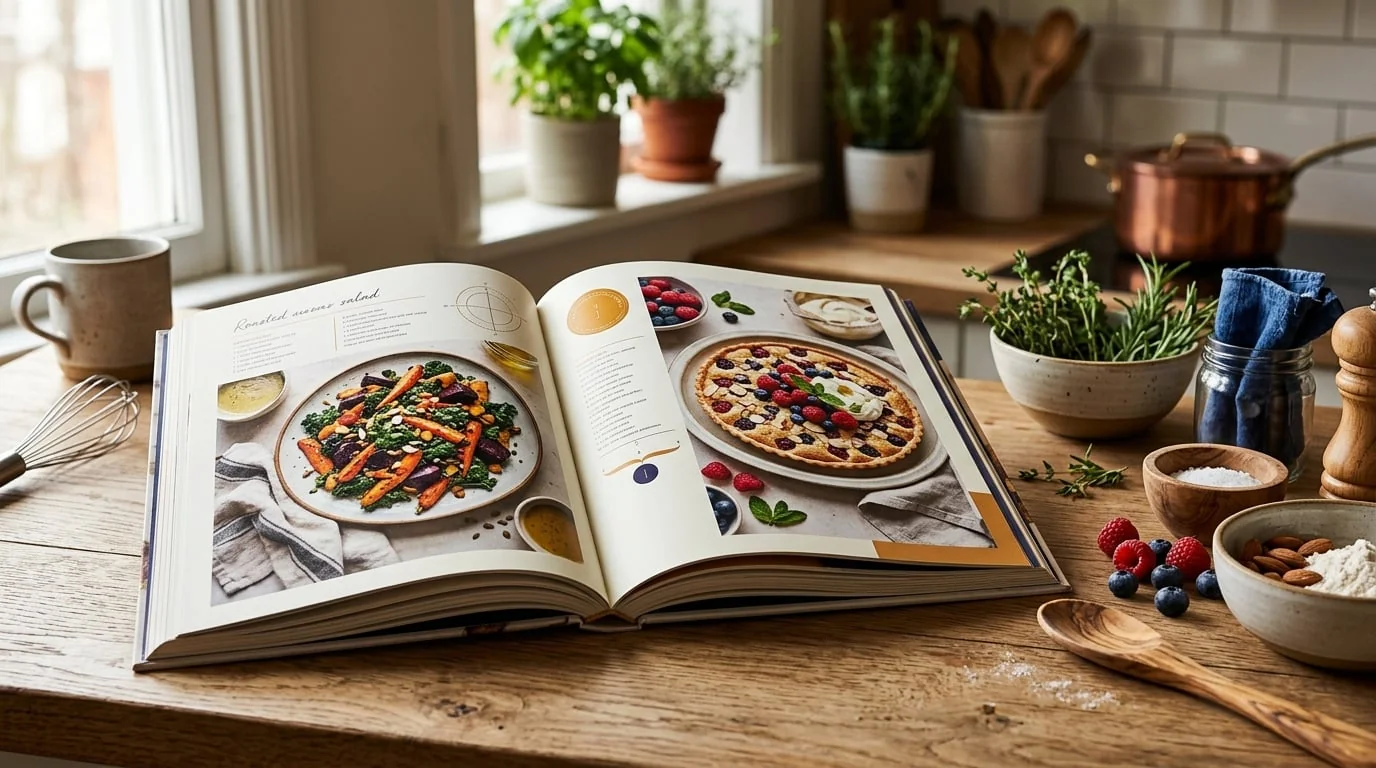
Recipe layout template: title, timing block, ingredients, and numbered steps in a consistent grid.
Pick the right trim size and margins
7 x 10 in and 8.5 x 11 in give recipes room and suit photo layouts; 6 x 9 in works for compact text-only collections. See how to choose a trim size and set inner margins generously so the binding doesn’t swallow ingredient lists — details in the margins guide.
Cover, description, and publishing
Your cover should signal the theme instantly and stay legible as a thumbnail — get dimensions from the cover size calculator. Write a description that names the cuisine, number of recipes, and who it’s for, using our description framework. Then walk the upload checklist and preview a proof before publishing. You can see a finished example in the cookbook sample pack.
Frequently Asked Questions
Do I need photos in my cookbook?
No. Many successful cookbooks use clean typographic layouts with no photos, which keeps printing costs low because you can use black-and-white interior printing. If you do use photos, color printing raises the cost and minimum price, so weigh it against your niche and price point.
What trim size is best for a cookbook?
7 x 10 in and 8.5 x 11 in are popular because they give recipes room to breathe. 6 x 9 in works for compact, text-only recipe collections. Choose based on layout density and whether you include images.
How should I structure recipes?
Keep a consistent template: title, yield and time, ingredient list, numbered steps, and optional notes. Consistency makes the book easy to follow and gives it a professional, edited feel. Group recipes into clear sections like breakfast, mains, and desserts.
Can I publish family recipes or recipes I adapted?
Recipe lists of ingredients aren't protected by copyright, but the creative expression — the written instructions, headnotes, and photos — is. Write your own instructions and use your own or properly licensed photos, and don't copy another author's text.
Turn this idea into a book — free sample
Type a book idea and we'll generate a real cover preview in about a minute. No signup, no card.