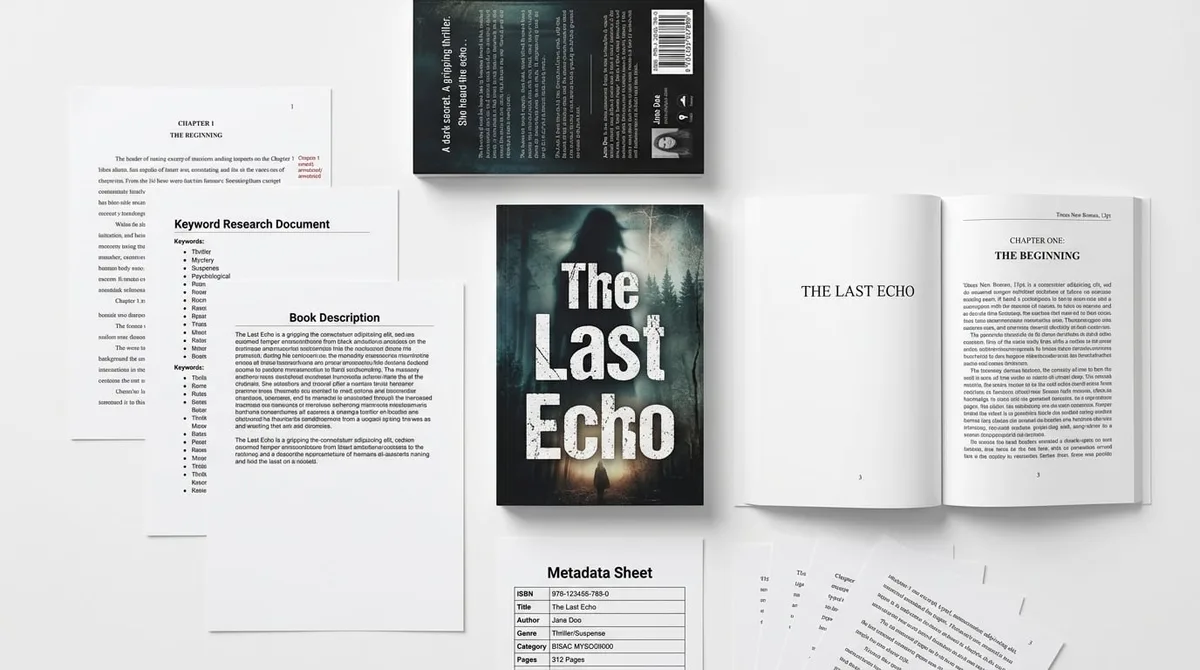
Best AI Tools for Amazon KDP in 2026: What to Use and Why

Skip the theory? Generate a free book preview in about a minute — no signup, no card.
Try it freeThe right AI tools can turn days of work into hours — but only if they produce genuinely KDP-ready output and keep you in control. Rather than chase a single “best” app, it helps to understand the categories of AI tools, what each does, and what to look for. Here's a practical guide for 2026.
The Main Categories of KDP AI Tools
Manuscript & interior drafting
What it does: Speeds up outlines, drafts, and layout for structured books.
What to look for: Niche-appropriate output, easy editing, and clean export to your trim size.
Puzzle & activity generation
What it does: Creates Sudoku, word search, crosswords, and mazes with answer keys.
What to look for: Verified, solvable puzzles and large-print options for accessibility.
Cover design
What it does: Generates KDP-compliant covers sized to trim and page count.
What to look for: Correct bleed and spine math, plus editable, original-looking designs.
Metadata & keywords
What it does: Suggests titles, subtitles, descriptions, and backend keywords.
What to look for: Relevant, search-aligned suggestions you can refine, not keyword stuffing.
All-in-one builders
What it does: Combine the above into one workflow that outputs upload-ready files.
What to look for: End-to-end output (interior + cover + metadata) and honest AI-disclosure support.
Editing after generation
What it does: Lets you revise the manuscript, adjust interior pages on a canvas, and edit cover layers before export.
What to look for: Manual edits included; clear labeling of which AI actions cost credits; print-accurate trim, bleed and spine guides.
How to Choose the Right Tool
- Produces genuinely KDP-ready output (correct trim, bleed, and file formats)
- Keeps you in control — easy to review and edit everything
- Supports the formats you publish (low-content, puzzles, workbooks, cookbooks)
- Helps you stay compliant with AI-disclosure rules
- Transparent, predictable pricing
For a head-to-head look at popular options, see BookBolt vs Canva vs KDP Builder.
An All-in-One Approach
KDP Builder combines drafting, puzzle generation, cover design, and metadata into a single workflow that outputs upload-ready files — interior, cover, and keywords — for each format. Explore the Low-Content Book Creator, AI Puzzle Book Creator, Cookbook Creator, Workbook Creator, and Cover Designer. Whatever you choose, follow the compliance basics in our AI book publishing guide.
Generated output is a starting point, not the final file: every KDP Builder book opens in the Manuscript Editor, Cover Design Studio and Interior Design Studio before export. To see what the pipeline produces, browse the demo builds or the Author Showcase of customer-published books.
Editing after generation: what to check in any AI book tool
Generation is only half the job. Before choosing a tool, confirm you can revise the text, adjust pages on a print-accurate canvas and edit cover layers without starting over. This is how KDP Builder does it:
- Included
Manuscript Editor
Revise the generated text chapter by chapter before it is typeset.
- Find and replace across the whole manuscript
- Clean paste from Word documents
- Undo/redo with keyboard shortcuts and a live word count
- Chapter, title and subtitle renames without regenerating
- Included
Interior Design Studio
Adjust interior pages on a canvas that mirrors the printed page.
- Live trim, bleed and safe-area guides for KDP trim sizes
- Move, resize and restyle text and image elements
- 100+ fonts and page-level layout controls
- Exports at 300 DPI in the trim size you chose
- Included
Cover Design Studio
Edit the front, spine and back of a generated cover as separate layers.
- Text, art and background layers stay individually editable
- Spine width follows page count and paper type
- Barcode and safe-zone overlays match KDP print templates
- Included
Importing your own files
Bring an existing PDF, image or manuscript into the editors.
- Imported PDF and image pages open as a locked base layer; the original stays flattened and you add editable elements on top
- Editable Import is a separate AI step that decomposes a finished cover or page into editable text and art layers
- Manuscripts (DOCX/text) import as editable chapters
- Uses credits
AI actions inside the editors
Optional generative tools you can invoke while editing.
- Magic Erase and Magic Expand
- Background removal and AI-generated elements
- Editable Import decomposition and per-page regeneration
- Each action shows its credit cost before it runs
Known limits
- A flattened import (PDF page or image) cannot be edited underneath: the base layer is locked and edits are added on top of it.
- Turning a flattened design into layers requires the separate Editable Import step, which uses credits and is best-effort on complex artwork.
Frequently Asked Questions
What's the best AI tool for Amazon KDP in 2026?
There's no single 'best' tool for everyone — it depends on what you publish. For most self-publishers, an all-in-one builder that produces KDP-ready interiors, covers, and metadata in one workflow saves the most time. If you specialize (for example, puzzle books), a focused generator with verified answer keys may serve you better.
Do AI tools for KDP require disclosure to Amazon?
If a tool produces AI-generated text, images, or translations in your book, you must disclose that at upload. AI-assisted help — brainstorming, editing, and refining your own work — does not require disclosure. Choose tools that make this distinction clear.
Are free AI tools good enough for KDP?
Free tools can help with brainstorming and drafting, but they often fall short on KDP-specific output like correct trim sizes, bleed, spine math, and print-ready files. Tools built specifically for KDP reduce formatting errors and rejections, which saves time and money.
Want to test an all-in-one KDP tool? Start free — your first book is on us, no credit card required.
Turn this idea into a book — free sample
Type a book idea and we'll generate a real cover preview in about a minute. No signup, no card.