BookBolt vs Canva vs KDPBuilder: Which Tool Do You Need?

Skip the theory? Generate a free book preview in about a minute — no signup, no card.
Try it freeBookBolt, Canva, and KDPBuilder get compared constantly, usually unfairly — because they’re built for different jobs. The right question isn’t “which is best,” it’s “what’s your bottleneck?” Here’s an honest breakdown of what each does well and where each stops.
BookBolt: research, low-content interiors and AI features
BookBolt is best known for niche and keyword research and for generating low-content interiors like notebooks and planners. If most of your time goes into finding niches and producing simple interiors, its research tooling is its strongest draw. Its AI-assisted generation features are newer additions; it is not primarily positioned as a full manuscript-to-print-package studio.
Canva: general-purpose design
Canva is a fast, friendly design tool. It’s great for covers, graphics, and simple layouts, with a huge template library. Its limitation for KDP is that it isn’t KDP-aware — it won’t calculate a spine-accurate full-wrap cover for you or batch-generate validated puzzles, so you do the technical setup manually and verify it elsewhere.
KDPBuilder: complete book packages
KDPBuilder is built to take you from idea to a publishable package in one place: AI manuscripts for fiction and nonfiction, validated puzzle and low-content interiors, matching full-wrap covers, and metadata. The trade-off: it’s focused on producing finished books, so it’s not a general graphic-design canvas like Canva.
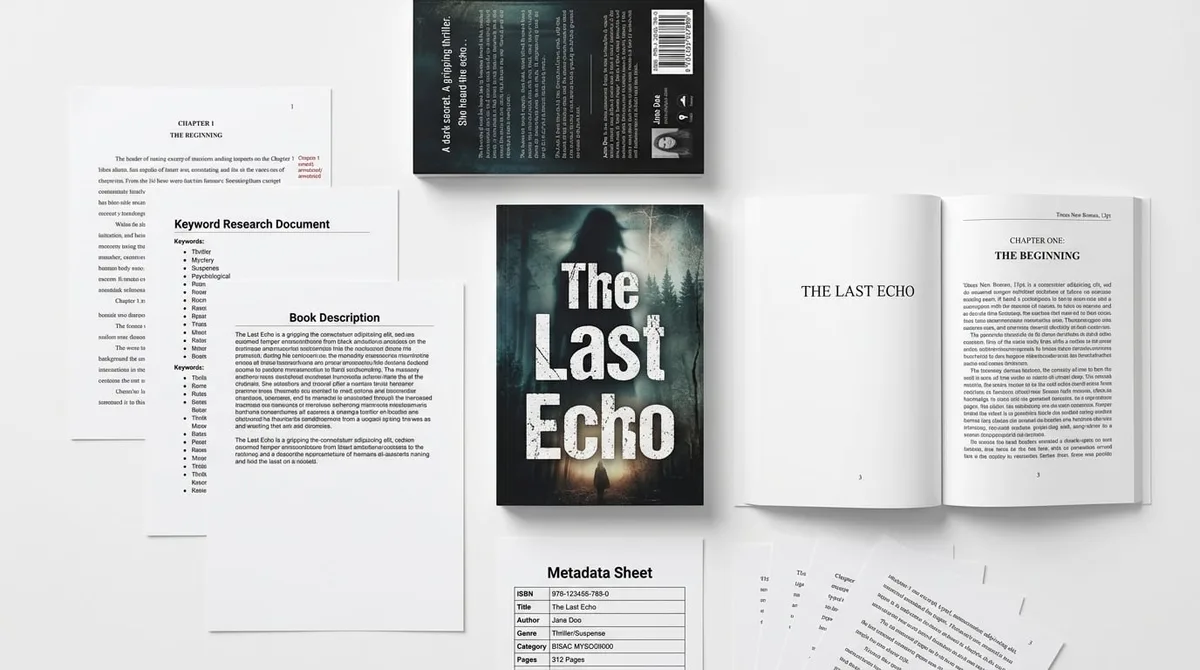
Side-by-side of the three tools' core strengths: research, design, and complete generation.
How to choose
- You mostly research niches and make notebooks → a research-first tool like BookBolt fits.
- You mostly need covers and graphics → Canva is hard to beat for pure design.
- You want a finished, KDP-ready book — manuscript, interior, cover, metadata → a complete-package tool like KDPBuilder removes the most steps.
Many publishers combine tools — research in one, a finished package in another, occasional design touch-ups in Canva. There’s no rule that you must pick only one.
See it for yourself
For deeper head-to-heads, read KDPBuilder vs BookBolt and KDPBuilder vs Canva. To judge output quality rather than feature lists, browse real example packages, and try the free tools before committing to anything.
Frequently Asked Questions
Do I need all three tools?
No. They overlap less than it seems. BookBolt is strongest for niche and keyword research plus low-content interiors and has added AI-assisted generation features, Canva is a general design tool good for covers and graphics, and KDPBuilder generates complete books — manuscript, interior, cover, and metadata. Pick based on the job you do most.
What is KDPBuilder best at?
KDPBuilder focuses on generating complete, KDP-ready book packages end to end — including AI manuscripts for fiction and nonfiction, validated puzzle and low-content interiors, matching full-wrap covers, and metadata — so you finish a publishable book in one place.
Is Canva enough on its own for KDP?
Canva is excellent for visual design and can produce covers and simple interiors, but it isn't built around KDP's technical requirements like spine-width-accurate full-wrap covers or large-batch puzzle generation. Many publishers use it alongside a KDP-specific tool.
Which should a beginner start with?
If your goal is to finish and publish a complete book quickly, a tool that produces the whole package reduces the number of moving parts. If you only need niche research or only need a cover, a specialized tool may be all you need. Match the tool to your actual bottleneck.
Turn this idea into a book — free sample
Type a book idea and we'll generate a real cover preview in about a minute. No signup, no card.