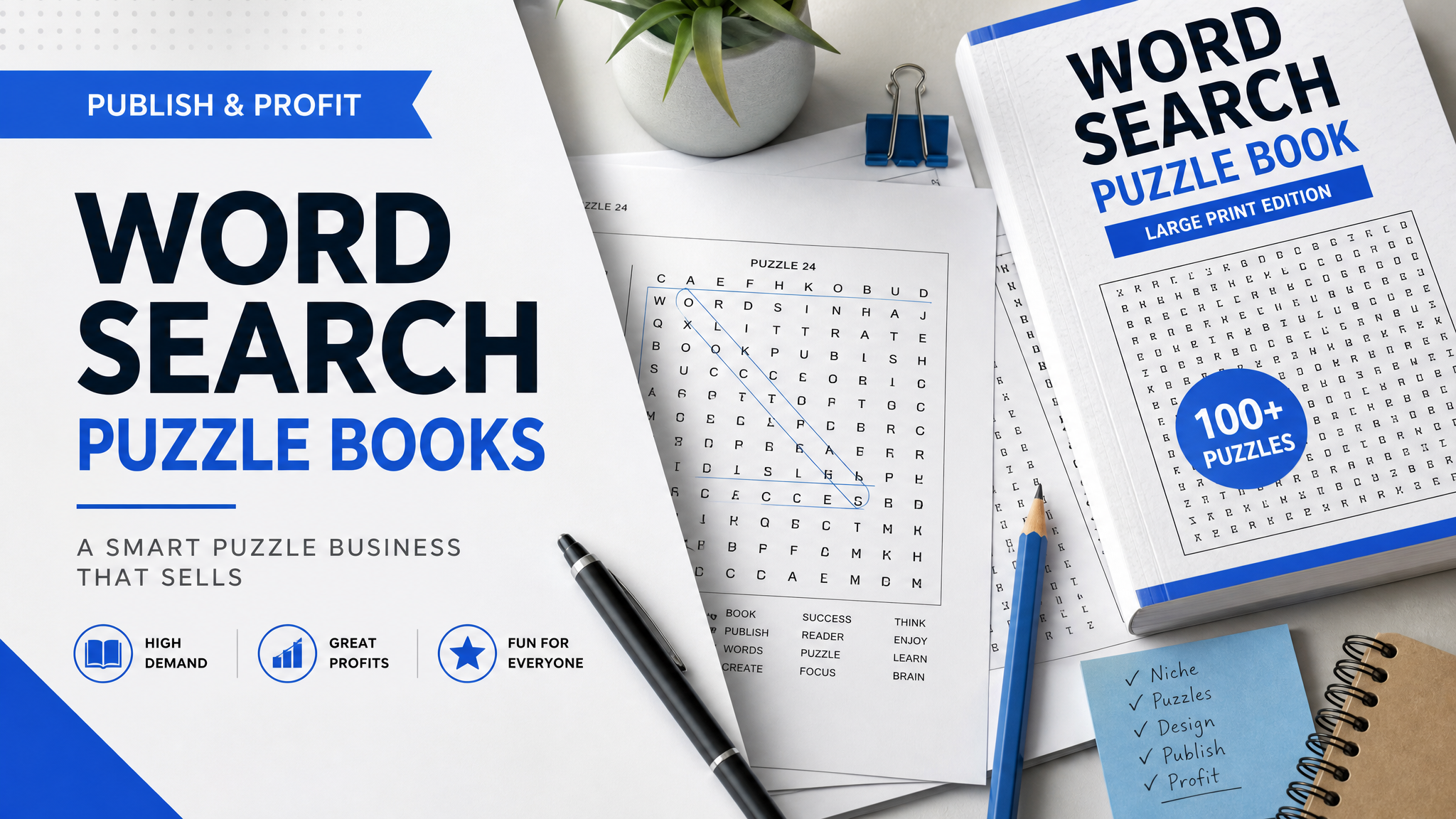
Word Search Book Publishing: 2026 KDP Guide
Skip the theory? Generate a free book preview in about a minute — no signup, no card.
Try it freeWord search book publishing is still profitable in June 2026, but only if you stop publishing generic puzzle filler. On KDP, a paperback earns 60% of list price minus printing costs, so the wrong trim size or a bloated page count can erase your margin before a reader ever opens the book.
The good news: the buyers who still purchase puzzle books are easy to understand. They want a clear use case, a readable interior, and a cover that instantly tells them the difficulty and audience. In other words, the market is crowded, but the winning formula is more obvious than most new publishers think.
What is word search book publishing? It is the process of picking a buyer-focused niche, building a puzzle interior that prints cleanly, packaging it for KDP, and optimizing the metadata so Amazon can index it for intent-driven searches like large print word search for seniors or travel word searches for adults.
What changed in the 2026 puzzle market
By June 2026, the market is less forgiving of low-effort interiors. Generic 100-page word search books still get published every day, but the books that move are the ones that solve a narrow problem: large print, themed collections, devotional puzzles, road trip format, classroom support, or giftable seasonal books. Amazon also rewards cleaner keyword alignment now because shoppers click faster on covers that match the exact query.
Three KDP facts matter immediately when you plan a puzzle title:
- You can choose up to 3 browse categories and fill 7 backend keyword fields during setup.
- Each keyword field allows 50 characters, so long-tail phrases matter more than stuffing single words.
- Paperbacks must be at least 24 pages, which changes how you think about puzzle count, answer pages, and front matter.
If you are launching a first puzzle title in 2026, think less like a hobbyist and more like a catalog publisher. Your goal is not to upload a book. Your goal is to publish a product that Amazon can understand, rank, and recommend.
Need a faster way to see what buyers actually search for? KDP Builder’s Amazon Intel workflow mines autocomplete, competitor metadata, and category signals so you can validate a niche before you spend hours building the interior. That is the difference between a guess and a publishable plan.
Step 1: Choose a micro-niche before you build
Do not start with a vague theme like fun word searches. Start with a buyer and a use case. In 2026, the fastest way to stand out is to pair format with intent.
- Large print word searches for seniors - strongest clarity, easiest to position, and the safest first launch.
- Travel word search book - compact, giftable, and ideal for road trip or airline buyers.
- Bible or faith-based word searches - works when the title and subtitle are explicit, not cute.
- Back-to-school or classroom word searches - useful when you match the language to a grade band or skill level.
- Holiday or seasonal word searches - best when published 90 to 120 days before the season starts.
To validate a niche, scan the first two pages of Amazon results and look for three things: covers that repeat the same promise, reviewer complaints you can fix, and price points that still leave room for royalty after print cost. If your chosen niche only has beautiful books and no obvious angles, it is often too broad for a first launch.
Quick rule: if you cannot describe the buyer in one sentence, you do not yet have a niche. You have a theme.
When choosing titles and subtitles, use a formula that names the audience, format, and benefit. Example: Large Print Word Search Book for Seniors: Relaxing Themed Puzzles for Adults. If the title still feels generic, KDP Builder’s Book Title Generator can turn Amazon-style search phrases into usable title ideas in minutes.
Step 2: Build the interior like a product, not a scrapbook
Word search interiors fail for boring reasons: inconsistent margins, tiny clue text, duplicated word lists, and answer keys that look like an afterthought. Readers forgive plain design. They do not forgive a puzzle page that feels cramped or cheap.
For a first commercial book, these specs are a safe baseline:
- Trim size: 6x9 for standard use, 8.5x11 for large print.
- Page count: 80 to 120 pages for most beginner titles.
- Puzzle count: 40 to 60 puzzles if you are including a clear answer section.
- Font sizing: keep instructions at 11 to 12 pt minimum; large print books usually need 14 pt or higher.
- Grid spacing: leave enough white space so the word list does not feel crowded on the solve page.
Use one puzzle per page if your audience is seniors or casual solvers. Use denser formatting only if your audience expects a challenge and the cover says so clearly. A large-print buyer wants comfort first, not bragging rights.
A layout rule most first-time publishers miss
Keep the outer safe margin at 0.25 inch minimum and do not let any text drift too close to the trim. If your puzzle page uses bleed, make sure the background reaches the edge and the puzzle content stays inside the safe zone. KDP’s previewer is conservative, and many first uploads get blocked by simple issues such as text too close to trim, low-resolution artwork, or a cover wrap that no longer matches the final page count.
The biggest interior mistake is building the book before locking the trim size. A 6x9 book and an 8.5x11 book do not just feel different; they change spine width, layout density, and how much whitespace you need per page. Lock those specs first, then build the interior once.
If you do not want to hand-format every page, use Puzzle Book Creator to generate print-ready interiors faster, then check the PDF in KDP Previewer before upload. That is how you cut the production time without sacrificing cleanliness.
Cover, trim size, and pricing that actually earn
For puzzle books, the cover sells the use case. The shopper is not buying a story. They are buying a specific solving experience. That means your cover needs to do four jobs at once: name the audience, signal the difficulty, show the theme, and look readable at thumbnail size.
High-contrast covers usually outperform clever but vague designs. A clean title like Large Print Word Searches for Seniors on a simple, polished cover will beat a busy design that hides the promise. In 2026, clarity converts better than decoration.
Use the trim size to reinforce the promise:
- 6x9: better for travel, compact books, and lower print costs.
- 8.5x11: better for large print, easier reading, and a more premium feel.
Amazon’s paperback royalty is 60% of list price minus printing costs, so price is not just a branding decision. It is a margin decision. Use KDP Royalty Calculator before you finalize the book so you can see whether your trim size and page count still leave a real profit.
- 6x9 standard word searches: often land between $6.99 and $8.99.
- 8.5x11 large print books: often sit between $8.99 and $12.99.
- Giftable or seasonal editions: can support a slightly higher price if the cover and niche feel premium.
One dashboard quirk that trips up beginners: the print cost estimate updates when page count, ink type, or trim size changes, so a price that looked safe yesterday can become weak after a single interior revision. Re-run the numbers before every upload, not after.
If you also plan a digital companion, remember that KDP eBooks earn either 35% or 70% depending on price and territory, with the 70% tier generally reserved for books priced between $2.99 and $9.99. Most puzzle books do better in paperback, but the pricing rule still matters if you bundle formats or build a companion edition.
Common KDP rejection reasons for puzzle books
- Cover text that sits too close to the trim or spine.
- Blurry art or a wrap that is not built at 300 DPI.
- Spine width mismatch after a page-count change.
- The title on the cover does not match the title in metadata.
- Answer pages or interior art that uses low-resolution assets.
For cover work, do not guess. KDP Builder generates full cover wraps for paperback, ebook, and hardcover at 300 DPI, which removes one of the most common failure points in puzzle publishing: a beautiful cover that cannot survive the upload step.
Metadata that makes Amazon understand the book
Most word search books do not lose because the interior is bad. They lose because Amazon cannot tell exactly who the book is for. That is a metadata problem, not a design problem.
Use this structure:
- Title: main keyword near the front.
- Subtitle: audience, benefit, or theme.
- Categories: choose the closest buyer intent, not the broadest umbrella.
- Keywords: use long-tail phrases, not repeated root words.
Do not waste backend keyword space by repeating the same phrase in every slot. If your title already says word search, do not make every keyword field say word search again. Use the 7 fields to capture different buyer intents such as large print, adult puzzles, travel activity, faith-based puzzles, and gift ideas.
The description should do three things only: name the audience, name the benefit, and remove hesitation. A simple structure works best:
- One sentence that states exactly who the book is for.
- Three short bullets that describe the experience.
- One final line that confirms the theme or difficulty level.
If your description reads like a product brochure instead of a shopping answer, rewrite it. Amazon shoppers scan. They do not study.
KDP Builder’s SEO optimizer is useful here because it checks your book metadata and backend keywords for alignment before you publish. That matters in 2026, when generic puzzle titles are crowded and precise indexing is worth more than clever wording.
What sudoku book kdp sellers already know
Sudoku sellers are disciplined about difficulty. They do not simply publish a pile of puzzles and hope for the best. They label the level, keep page density consistent, and package the book for the exact solver they want. That discipline transfers directly to word search publishing.
Here is the lesson from sudoku book kdp publishing:
- Level matters: easy, medium, hard, or large print should be obvious.
- Consistency matters: the first puzzle and the last puzzle should feel like the same product.
- Series matters: a Volume 1 setup creates room for follow-up books and repeat buyers.
In word searches, the equivalent is audience clarity. Do not hide the fact that the book is for seniors, travel, faith, or classroom use. The more clearly you state the use case, the easier it is for Amazon and the shopper to trust the product.
Pro tip: In puzzle publishing, the cover is a promise and the interior is proof. If the cover says large print, make the first page breathe. If it says travel, make the book physically portable. Buyers notice that alignment immediately, even if they cannot explain why.
How to make crossword puzzle book rules work for word searches
If you already know how to make crossword puzzle book interiors, borrow the same publishing discipline. Crosswords force you to think about structure, theme, and answer placement. Word searches need the same operational thinking, just with a different reader expectation.
Here is what transfers directly:
- Theme cohesion: each puzzle should belong to a named theme family, not random filler.
- Difficulty progression: move from simpler grids to tighter grids as the book advances.
- Answer clarity: solutions must be easy to find and easy to understand.
- Editorial consistency: the same font, spacing, and style rules should apply throughout the book.
Word searches are easier to create than crosswords, which is exactly why they get sloppy so quickly. If you can apply crossword-level editorial discipline to a word search book, your product instantly looks more professional than most of the competition.
This is also where a puzzle book creation tool saves time without lowering quality. KDP Builder’s six-phase pipeline - Discovery, Writing, Editing, Design, Covers, Publishing - keeps the workflow organized so you do not rebuild the same file three times because you changed the niche halfway through.
Before vs. after: manual publishing or KDP Builder
Here is the practical difference between a manual puzzle workflow and a builder-assisted one.
Before:
- 2 to 3 hours researching competitors and keywords in separate tabs.
- 1 to 2 hours brainstorming a title and subtitle that sound commercial.
- Several more hours formatting puzzle pages, answer pages, and cover wrap files.
- Extra time spent fixing bleed, spine width, barcode placement, and description formatting.
After with KDP Builder:
- Discovery and Amazon Intel identify keyword gaps and category angles fast.
- The Puzzle Book Creator speeds up interior generation for puzzle-ready files.
- The SEO optimizer tightens metadata before upload.
- Full cover wrap generation removes the usual print-file mistakes.
- You move from idea to publishable package without stitching together five separate tools.
That difference is not just convenience. It is how experienced publishers launch more titles without sacrificing quality. In a crowded 2026 market, speed only matters if the final book still looks credible.
Final publishing checklist for word search books
Before you hit publish, run this exact checklist:
- Confirm the niche: the audience and use case should be obvious in the title, subtitle, and cover.
- Lock the trim size: do not revise the interior after you finalize the cover wrap.
- Check the margins: keep puzzle content safely inside the trim line.
- Verify image quality: every element should be crisp at 300 DPI where relevant.
- Match the metadata: title, subtitle, and cover must all say the same thing.
- Choose 3 categories and 7 keywords: focus on buyer intent, not repetition.
- Run the pricing math: confirm the list price still leaves you room after print costs.
- Preview on mobile and desktop: the description should read cleanly in both views.
- Double-check the back cover: leave the barcode area clean and readable.
- Re-open the final PDF: make sure the page count and spine width match the uploaded files.
If you follow that checklist, your first title will already be ahead of most low-content uploads because it will be built like a real product, not a rushed experiment.
For publishers who want to move faster without guessing, KDP Builder gives you the stack that matters most in 2026: keyword research, puzzle creation, SEO optimization, and 300 DPI cover wraps. Start with your first niche, build the interior, then let the platform handle the repetitive production steps.
Create your first puzzle book in under 10 minutes - start with 75 free credits at kdpbuilder.com/register.
Turn this idea into a book — free sample
Type a book idea and we'll generate a real cover preview in about a minute. No signup, no card.