How to Make a Children's Book with AI
Skip the theory? Generate a free book preview in about a minute — no signup, no card.
Try it freeAI makes illustrated children’s books far more achievable for non-artists — but only if you respect what it’s good at and where it struggles. The story still has to be good, and character consistency still takes care. Here’s a realistic workflow.
Start with the story and the age band
Decide the target age first, because it sets everything else. Picture books for ages 3–7 are usually 24–32 pages with one simple idea and very little text per spread. Outline a beginning, a gentle problem, and a satisfying resolution — children’s stories reward simplicity and rhythm, not complexity.
The hard part: character consistency
The number-one giveaway of a rushed AI children’s book is a main character whose face, clothing, or proportions change from page to page. The fix is to lock a character reference before generating scenes, then keep every illustration anchored to it. The Children’s Book Creator is built around a character model sheet so the same character carries across spreads — but you should still review each page and regenerate any that drift.
Character model sheet plus generated spreads showing the same character across multiple pages.
Pair text and art per spread
Plan the book spread by spread: one scene, one or two lines of text, and a clear focal point for the illustration. Keep text away from the gutter and busy areas of the art so it stays readable. Build the whole thing in the children’s book studio, where text and illustrations are assembled together.
Trim size, bleed, and layout
Square (8.5 x 8.5 in) and 8 x 10 in are popular because they show art well. Picture books usually use full-bleed illustrations, so set up bleed correctly — see the bleed and margins guide — and pick your size using how to choose a trim size.
Review, disclose, and publish responsibly
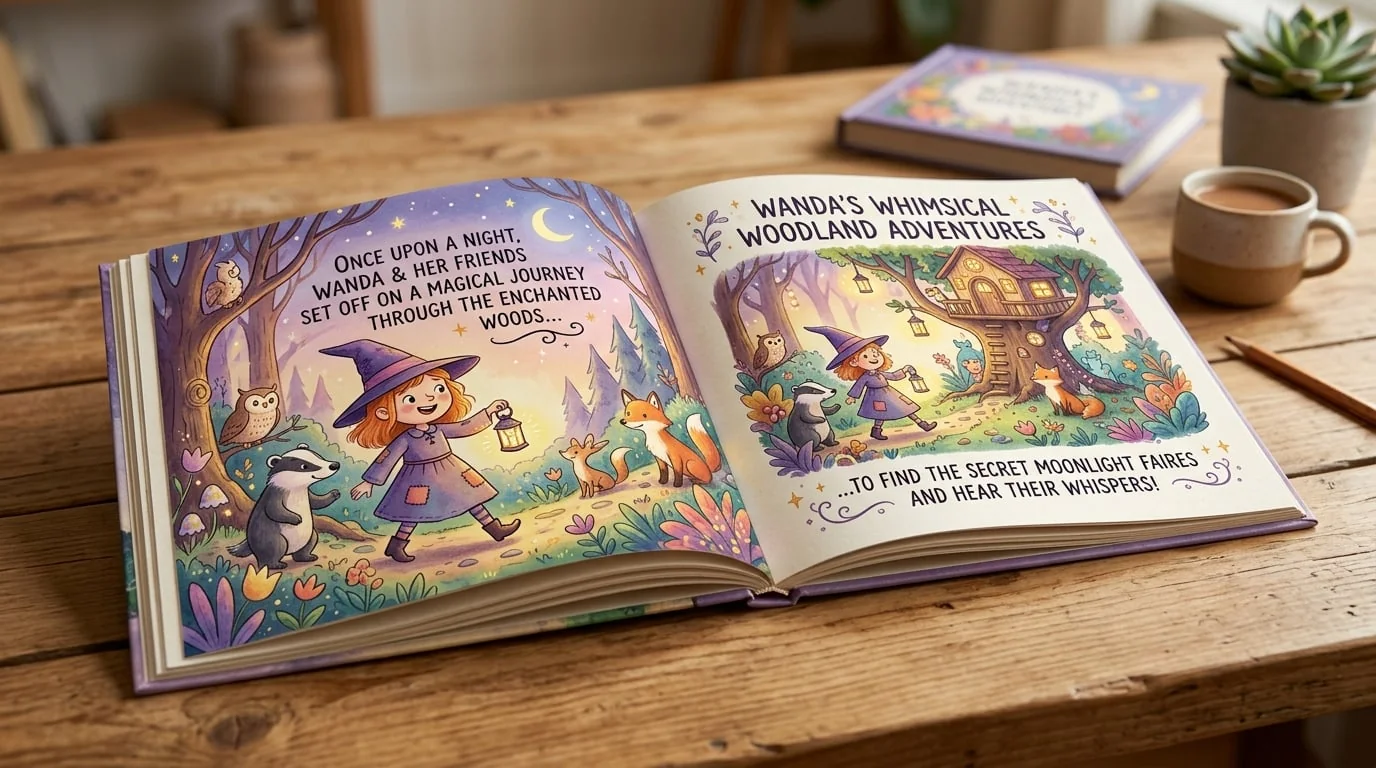
Always read the finished book as a parent would: is the language age-appropriate, the art consistent, and the story coherent? Follow Amazon’s current guidance on disclosing AI-generated content during setup. When you’re ready, run the upload checklist and preview a proof. You can see a finished result in the children’s book sample.
What AI won’t do for you
AI speeds up drafting and illustration; it doesn’t guarantee a good book or any particular sales. A weak story with polished art still falls flat. Treat AI as a capable assistant and keep your judgment in the loop on story, consistency, and quality.
Frequently Asked Questions
Can AI keep a character looking the same across every page?
Consistent characters are the hardest part of AI children's books. A good workflow uses a character reference or model sheet so the same character traits carry across illustrations. KDP Builder's children's pipeline is built around character consistency, but you should still review every page and regenerate any that drift.
How long should a children's picture book be?
Picture books for ages 3 to 7 are typically 24 to 32 pages with a short text count — often one or two sentences per spread. Early readers can run longer. Keep the language age-appropriate and the story simple, with one clear idea.
What trim size works for children's books?
Square sizes like 8.5 x 8.5 in and landscape or portrait sizes like 8 x 10 in are popular for picture books because they showcase illustrations well. Choose one that fits your art and keep it consistent across a series.
Should I disclose that illustrations are AI-generated?
Amazon asks publishers to disclose AI-generated content during setup, and policies evolve, so follow the current KDP guidance when you publish. Always review the final book yourself for quality, accuracy, and age-appropriateness before listing it.
Turn this idea into a book — free sample
Type a book idea and we'll generate a real cover preview in about a minute. No signup, no card.