
Create Beautiful Coloring Books with AI
Create themed coloring pages with AI, review the line art, and assemble your interior and cover for Amazon KDP. Start with 75 free credits, then choose the book size and credit option that fit your project. Review your exported files and a printed proof before publishing.
Check your coloring book before upload →
Built for Coloring Books Creators
KDP Coloring Book Publishers
Build a catalog of themed coloring books — animals, flowers, holidays, mandalas — and earn passive royalties without drawing a single line.
Kids' Activity Book Creators
Create age-appropriate coloring books with simple outlines, large areas, and fun themes that parents search for on Amazon.
Mindfulness & Wellness Niches
Mandala and zentangle coloring books for adults sell consistently. Position them as stress-relief or meditation tools.
Gift & Seasonal Sellers
Christmas, Mother's Day, birthdays — themed coloring books make great gifts and spike in seasonal searches.
Niche Animal Lovers
Dog breeds, cats, horses, butterflies, ocean life — hyper-specific animal coloring books attract passionate buyers.
Teachers & Homeschoolers
Educational coloring books with letters, numbers, geography, or science themes double as learning tools.
Everything You Need for Coloring Books
Tools for creating your artwork, interior and cover, with a final review step before you submit to KDP.
AI-Generated Unique Art
Every illustration is generated specifically for your book. No clip art, no stock. Each page is a one-of-a-kind coloring image.
Multiple Art Styles
Clean kids' outlines, intricate adult mandalas, realistic animals, whimsical fantasy, botanical florals — choose your style.
Single-Sided Pages
Each illustration is followed by a blank reverse. This keeps artwork off the back of the same sheet, but it does not make the paper marker-proof. Test your intended coloring materials on a printed proof and use a protective sheet behind the page when needed.
Print-Optimized Line Art
High-contrast black outlines on white background, optimized for printing. Clean edges, consistent line weight, no gray artifacts.
Professional Interior Layout
Proper margins, trim-safe content zones, page numbers, and title pages. Built for KDP's 8.5×11, 8×10, or custom trim sizes.
Cover + Metadata Package
AI-generated themed cover, paperback wrap with spine, 7 SEO keywords, and a book description ready for KDP's editor.
From Idea to KDP-Ready ZIP
A structured, guided pipeline — not a chatbot.
Pick Your Theme & Style
Choose a theme (animals, mandalas, florals, fantasy, kids) and art style (simple, detailed, realistic). Set your audience — kids or adults.
Set Page Count & Trim Size
Choose 30–50+ illustrations and your preferred trim size. KDP Builder calculates total page count including blank backs.
AI Generates Unique Illustrations
Each coloring page is individually generated as high-contrast line art optimized for printing and coloring with various media.
Interior PDF Assembled
Pages are laid out with proper margins, blank backs, title page, and page numbers. Ready for KDP's print specifications. Open any page in the Interior Design Studio to adjust it before export.
Cover & Metadata Created
A themed cover is generated, spine width calculated, full wrap PDF built, and your book description + keywords are written. The cover opens in the Cover Design Studio with text, art and background as separate layers you can edit.
Download Your KDP ZIP
One download with everything: interior PDF, ebook cover, paperback wrap, description, keywords, and upload checklist.
What Creators Build
Adult Mandala Stress Relief
Intricate mandala patterns positioned as mindfulness coloring for adults. This niche has consistent year-round demand on Amazon.
Toddler First Coloring Book
Simple, bold outlines with large coloring areas — animals, shapes, objects. Parents search for 'first coloring book' heavily.
Dog Breed Coloring Collection
Realistic illustrations of 40+ dog breeds. Passionate niche audience with gift-buying behavior around holidays and birthdays.
Botanical Garden Florals
Detailed flower and plant illustrations for adult colorists. Pairs well with 'garden lovers' and 'nature therapy' keywords.
Fantasy Dragons & Castles
Imaginative fantasy scenes for older kids and teens. Unicorns, dragons, enchanted forests — high search volume, loyal buyers.
Holiday-Themed Series
Christmas, Easter, Halloween — each holiday gets its own themed coloring book. Seasonal spikes drive predictable sales.
See What You Can Create
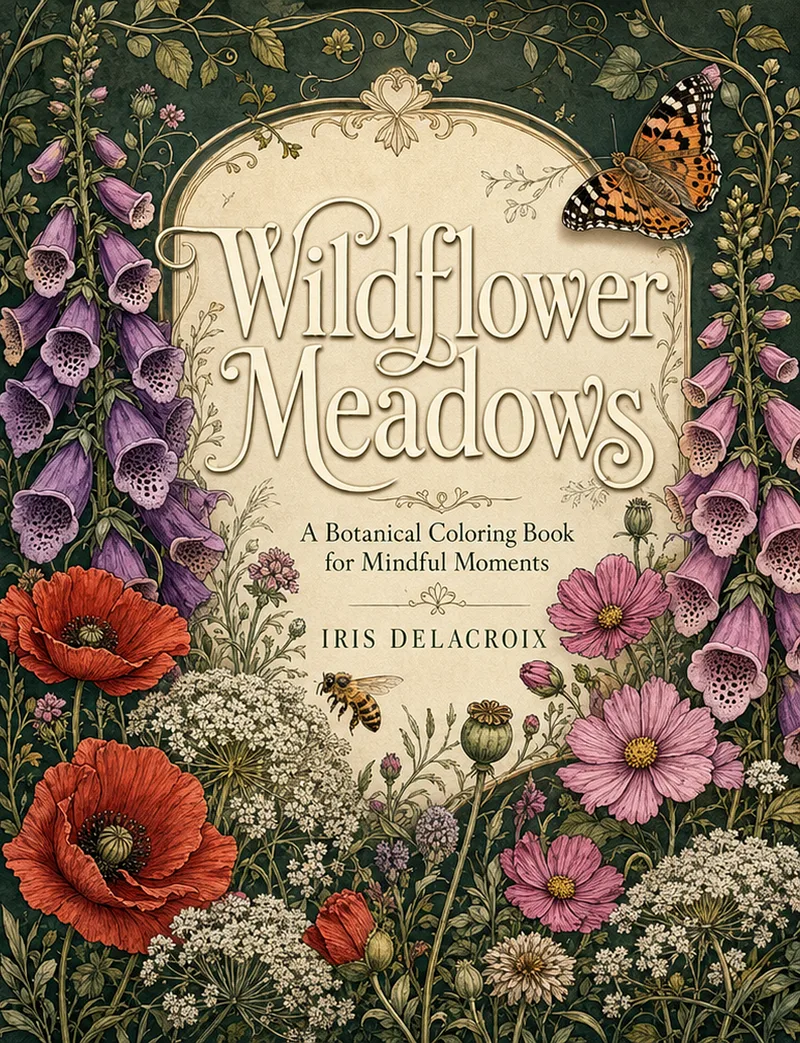
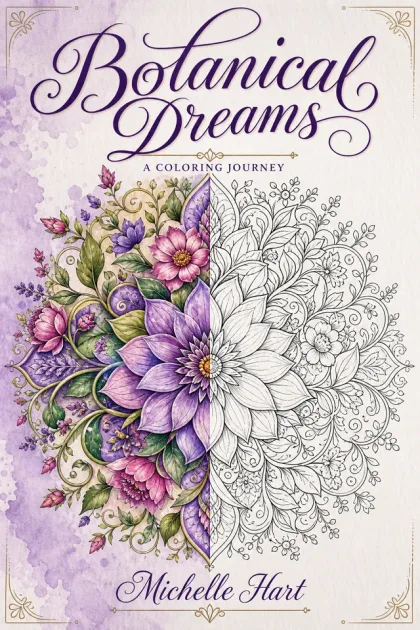
Cover
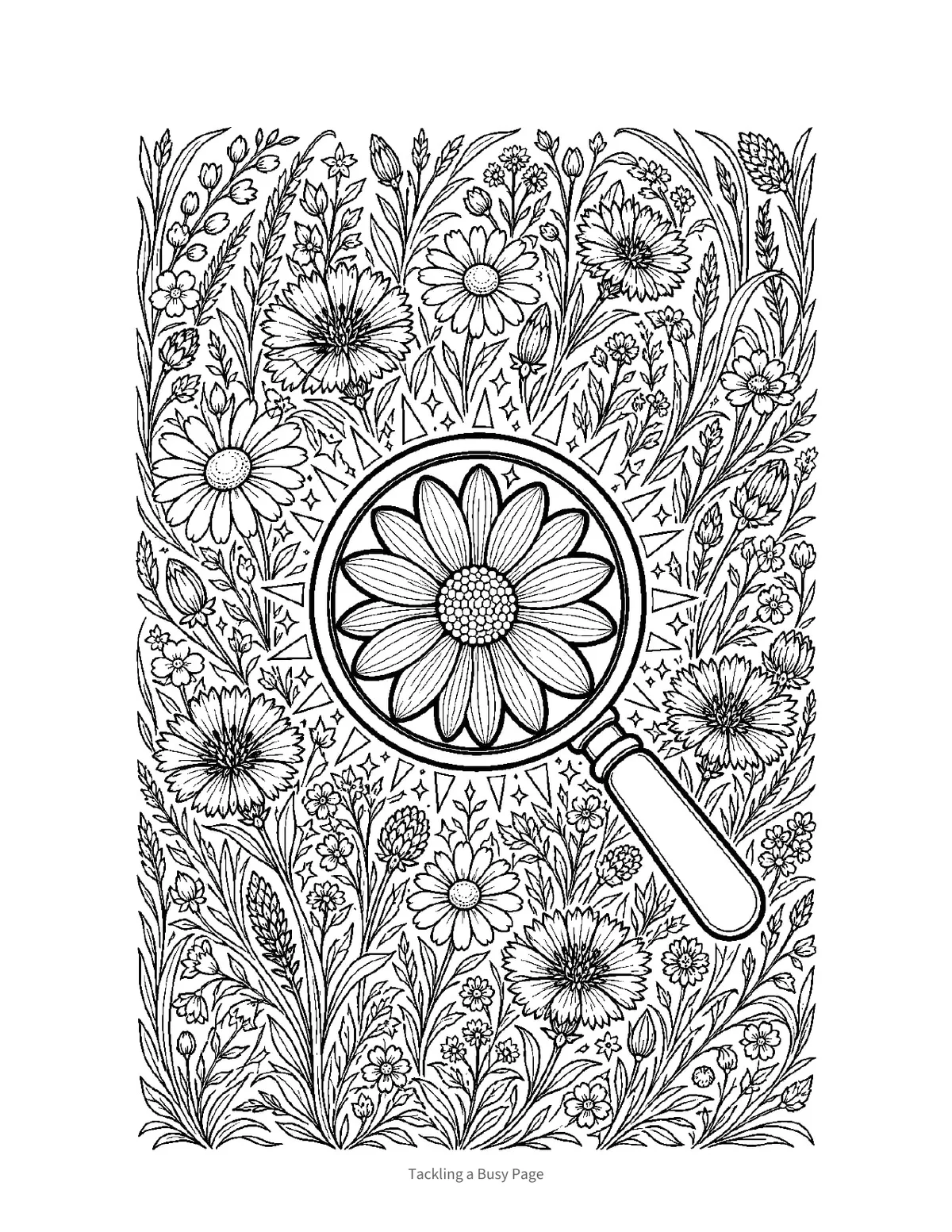
Line Art Page
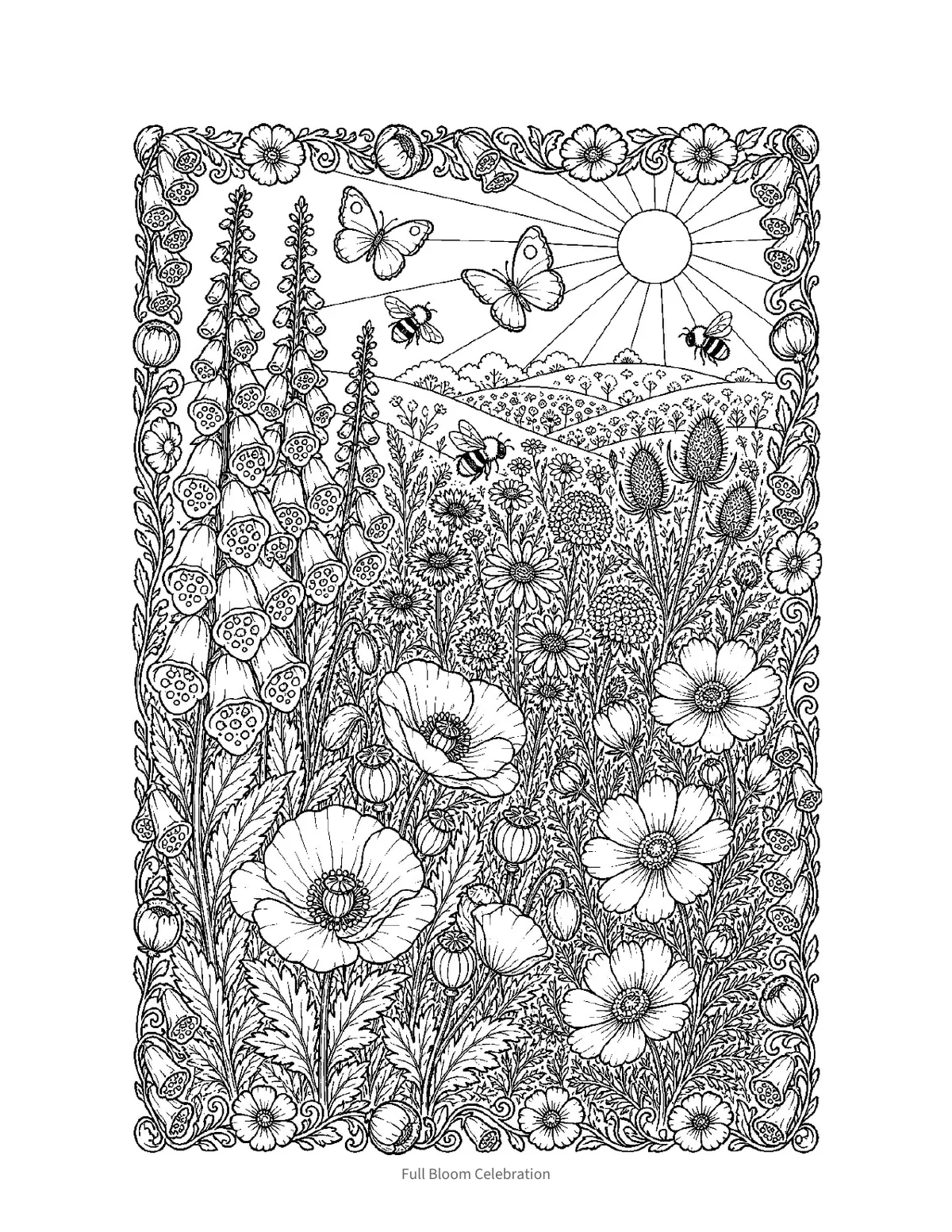
Detailed Page
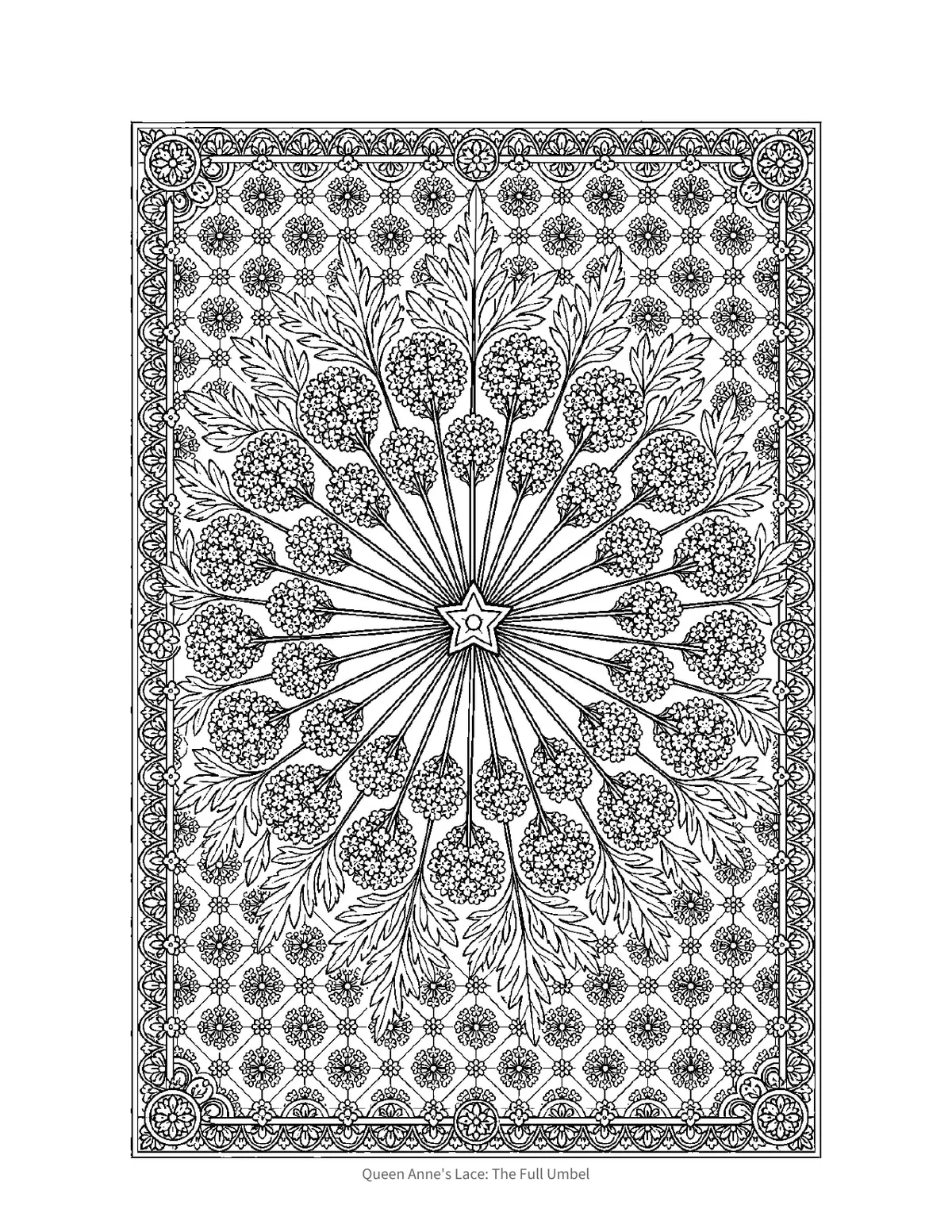
Themed Page
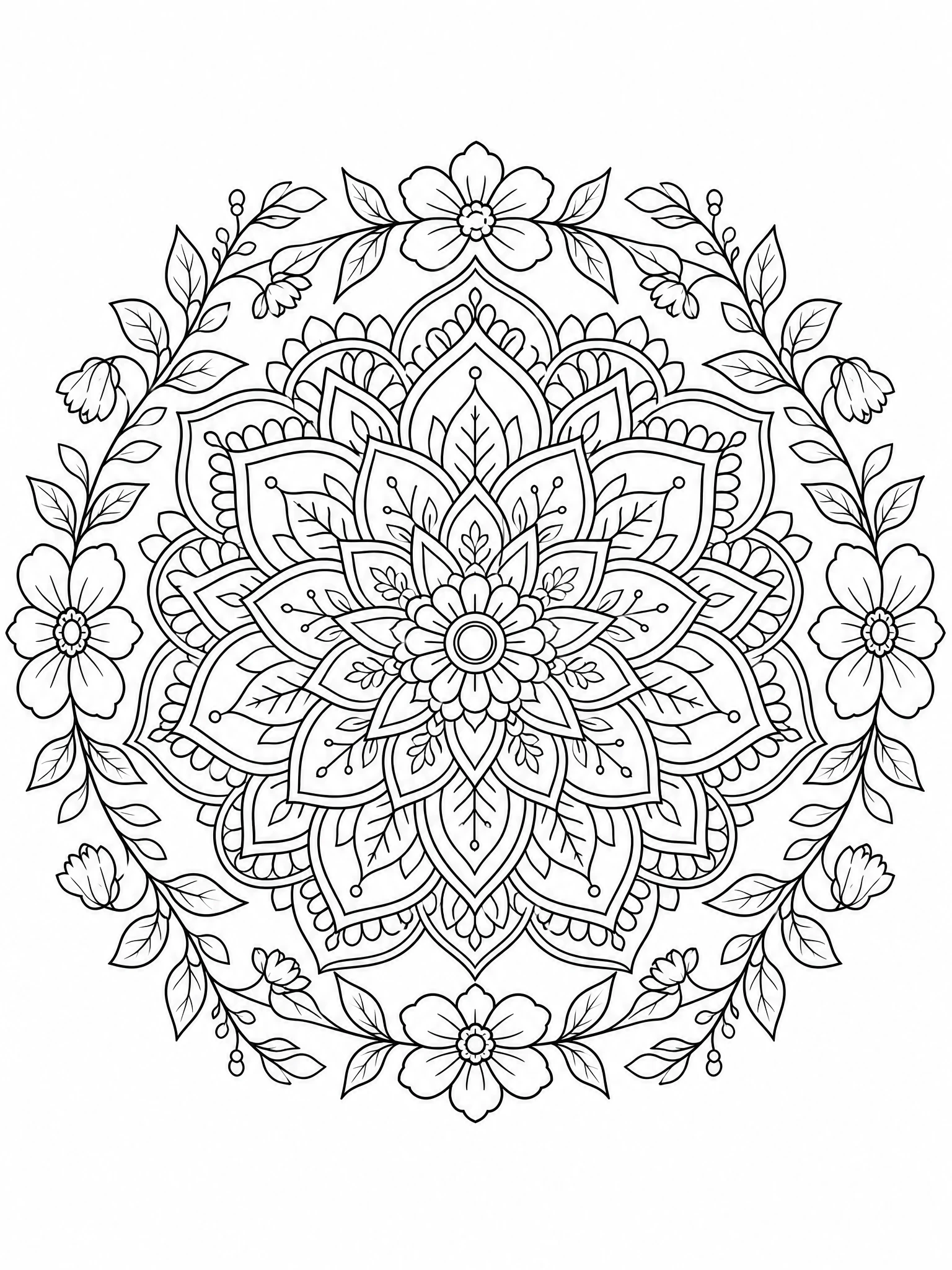
Line Art Detail
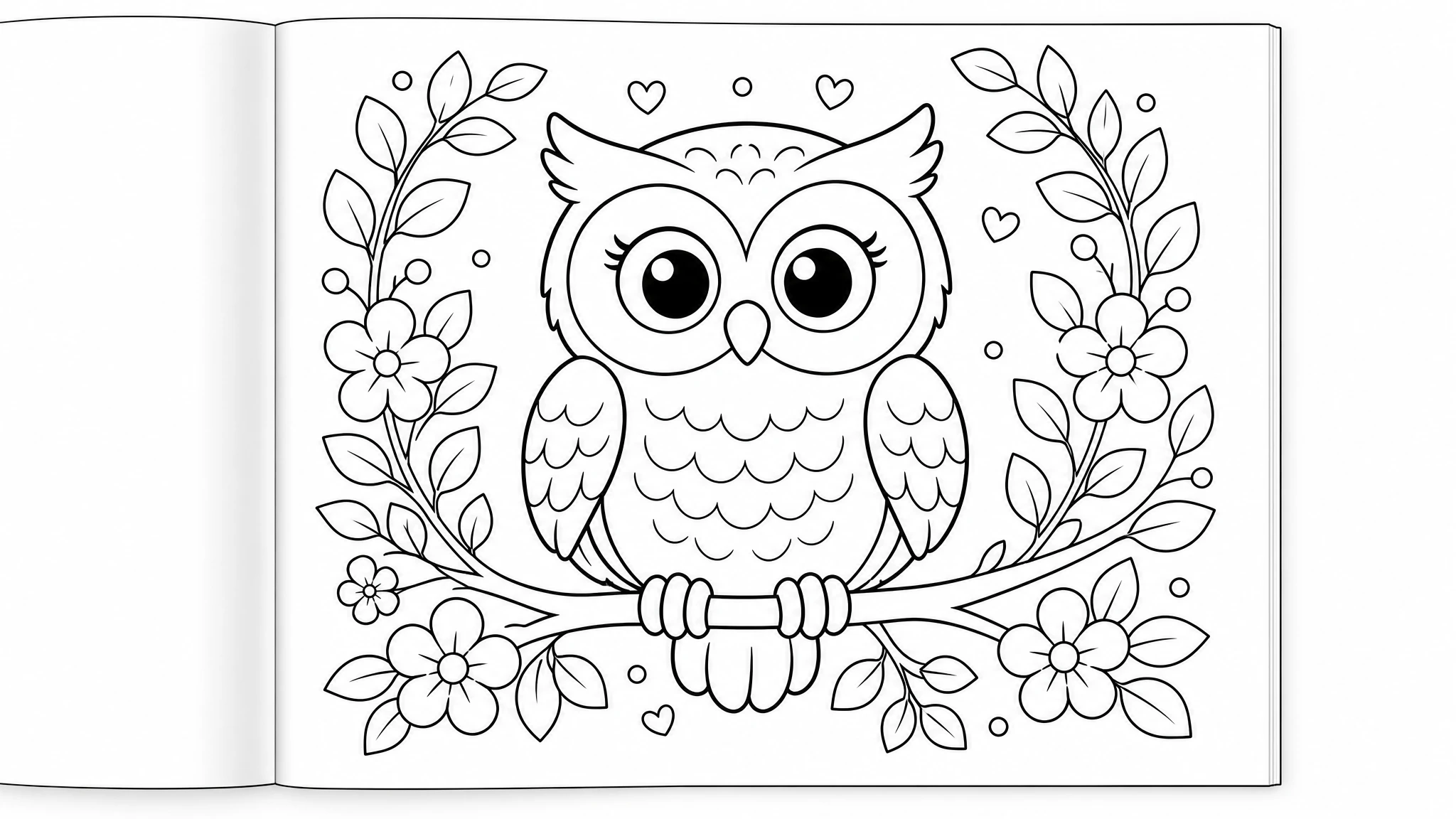
Interior Layout
KDP Builder vs. Other Ways to Make a Coloring Book
A general AI image tool can make one picture at a time, but it won't assemble a print-ready coloring book. Here's how the real options compare.
| Capability | KDP Builder | AI Image Tool + DIY | Hire an Illustrator |
|---|---|---|---|
| Unique line art generated for every page | One at a time | ||
| High-contrast, print-clean outlines | Hit or miss | ||
| Single-sided pages with blank backs | Manual | ||
| Print-ready PDF (trim-safe margins) | Manual | ||
| Themed cover + full-wrap with spine | |||
| KDP keywords + book description | Extra fee |
Feature comparison only. Time and cost vary by book length, illustration count and revisions — check the current project estimate and pricing page before generating a full book.
What's in Your Download
One click, one ZIP. Everything Amazon KDP needs, ready to upload.
Don't Let These Trip You Up
Gray-toned or low-contrast illustrations that don't print cleanly
KDP Builder generates high-contrast black-on-white line art optimized for printing — no gray zones or muddy edges.
Artwork printed on both sides of the same sheet
Each illustration is followed by a blank reverse so artwork stays off the back of the sheet. Paper is still not marker-proof — test your materials on a printed proof.
Inconsistent art style across pages
All illustrations in a book are generated with the same style parameters, ensuring visual cohesion from first page to last.
Important details placed too close to the trim or gutter
Review every page for important details near the trim and gutter. Reopen the exported PDF and check the final file in KDP Print Previewer before publishing.
Cover that doesn't clearly signal 'coloring book'
AI covers include visual cues (partially colored illustration, 'Coloring Book' text) so buyers instantly know what they're getting.
Why AI Coloring Books Are a Smart KDP Strategy
What Makes a Coloring Book Creator 'AI' — and Why It Matters
Can You Make a Coloring Book with AI for Free?
Edit your coloring books after they are generated
Yes. Every book a creator page produces stays editable. Text is revised in the Manuscript Editor, interior pages are adjusted on a print-accurate canvas in the Interior Design Studio, and covers are edited layer by layer in the Cover Design Studio. Manual edits are included with every account; AI-powered actions inside the editors use credits.
- Included
Manuscript Editor
Revise the generated text chapter by chapter before it is typeset.
- Find and replace across the whole manuscript
- Clean paste from Word documents
- Undo/redo with keyboard shortcuts and a live word count
- Chapter, title and subtitle renames without regenerating
- Included
Interior Design Studio
Adjust interior pages on a canvas that mirrors the printed page.
- Live trim, bleed and safe-area guides for KDP trim sizes
- Move, resize and restyle text and image elements
- 100+ fonts and page-level layout controls
- Exports at 300 DPI in the trim size you chose
- Included
Cover Design Studio
Edit the front, spine and back of a generated cover as separate layers.
- Text, art and background layers stay individually editable
- Spine width follows page count and paper type
- Barcode and safe-zone overlays match KDP print templates
- Included
Importing your own files
Bring an existing PDF, image or manuscript into the editors.
- Imported PDF and image pages open as a locked base layer; the original stays flattened and you add editable elements on top
- Editable Import is a separate AI step that decomposes a finished cover or page into editable text and art layers
- Manuscripts (DOCX/text) import as editable chapters
- Uses credits
AI actions inside the editors
Optional generative tools you can invoke while editing.
- Magic Erase and Magic Expand
- Background removal and AI-generated elements
- Editable Import decomposition and per-page regeneration
- Each action shows its credit cost before it runs
Known limits
- A flattened import (PDF page or image) cannot be edited underneath: the base layer is locked and edits are added on top of it.
- Turning a flattened design into layers requires the separate Editable Import step, which uses credits and is best-effort on complex artwork.
Profitable coloring books niches to build first
Every niche below is broken down in our research guides — why demand exists right now, how crowded the shelf really is, the keywords buyers type, trim size, page count, and title ideas you can take straight into a project.
Keep Learning
The full paperback wrap and interior pages of a coloring book exported from KDP Builder.
Open the coloring book creator and pick your theme, trim size and page count.
Built-in Cover and Interior Design Studios with trim, bleed and spine guides. Manual edits are included; AI actions use credits.
Demo books built by the KDP Builder team with the same pipeline customers use.
Books KDP Builder authors have published, shared with their permission.
Create puzzle books with Sudoku, word search, and crosswords.
Illustrated storybooks with full-color art and narrative.
Journals, notebooks, and other low-content interiors.
Calculate exact cover dimensions for your coloring book.
Understand bleed settings for coloring book interiors.
Which trim sizes work best for coloring books.
Proven coloring niches buyers actually search for on Amazon.
A full walkthrough from theme to print-ready file.
Line-art, print-quality and proof-copy checks to run before you submit to KDP.
Credit options and what a finished book may cost.
Explore the workflow with 75 free credits — no card required.
Also build these with the same account
Your credits work across every book type. Most publishers who start with coloring books end up running two or three formats side by side.
Turn expertise into an authority book: frameworks, case studies and a professional 6x9 interior.
Illustrated picture books with a consistent character cast, age-graded text and square trims.
Recipe books with consistent ingredient blocks, scaled yields and photo or illustration slots.
Themed crossword grids with clean clue columns, difficulty tiers and full answer keys.
Plotted novels with chapter structure, consistent POV and a genre-correct cover treatment.
Guided journals with themed prompts, tracking spreads and premium 6x9 layouts.
Logbooks, trackers and keepsakes: repeating grids, headers and KDP-safe gutters.
Life-story books with chronological structure, scene-level detail and a keepsake feel.
Structured how-to and reference books with real chapter logic and a clean 6x9 interior.
Dated and undated planners with repeating weekly and monthly spreads at 8.5x11.
Mixed puzzle books: word search, sudoku, crossword, mazes and logic, with answer keys.
Graded sudoku books with verified unique solutions and large-print grid options.
Themed word search books with readable grids, word banks and complete answer keys.
Practice workbooks with exercises, answer space and progressive difficulty.