
How to Make a Coloring Book with AI (Single-Sided, KDP-Ready)
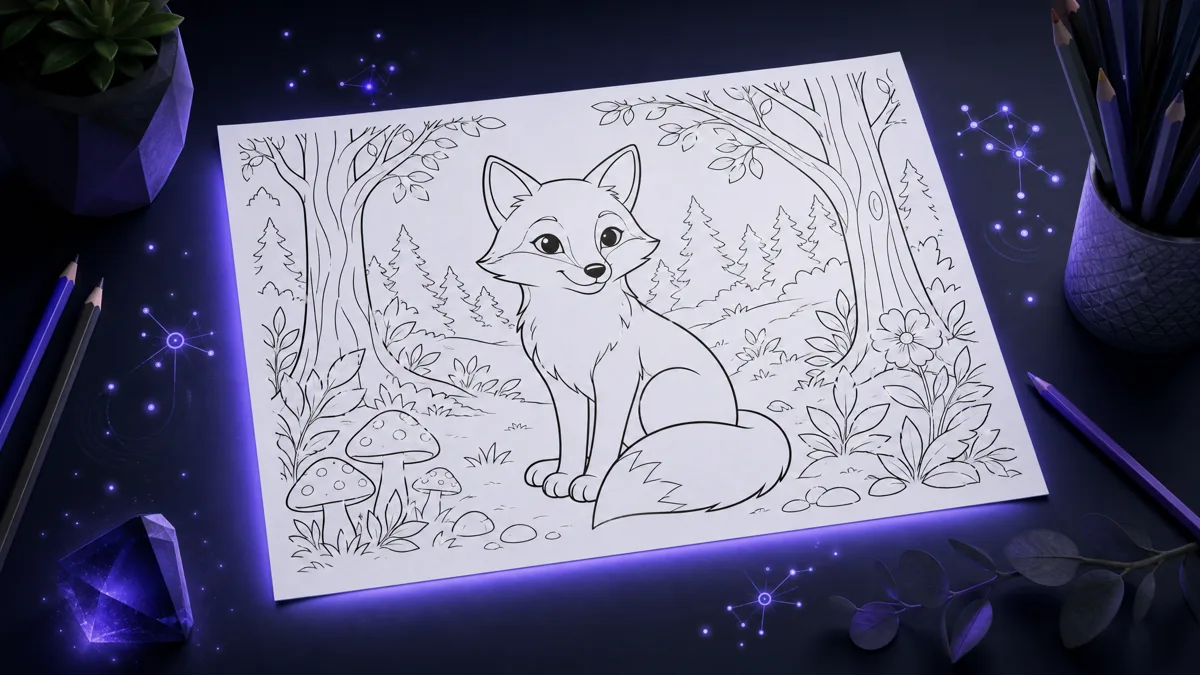
Skip the theory? Generate a free book preview in about a minute — no signup, no card.
Try it freeColoring books are one of the most approachable ways to publish on Amazon KDP: no manuscript to write, evergreen demand, and AI now handles the hardest part — producing consistent, clean line art. This guide walks through the full process, from picking a niche to a print-ready, single-sided interior PDF, using real output examples at every step.
Step 1: Pick a Niche Before You Generate Anything
The biggest coloring book mistake is generating pages first and finding an audience second. Successful books target one buyer: bold-and-easy designs for seniors, whimsical forest animals for adults, dinosaurs for ages 4–8. The niche decides everything downstream — line thickness, detail level, trim size, and cover style. If you need ideas grounded in what actually sells, start with our coloring book niches breakdown.
Step 2: Generate Consistent Line Art
A sellable coloring book needs 50+ pages that look like they came from the same artist. That means the same line weight, the same level of detail, and no shading or grayscale fill — pure black outlines on white. This is where one-off image prompting breaks down: getting page 37 to match page 2 by hand is painful. KDPBuilder's coloring book creator locks a style for the whole book and generates every page against it.
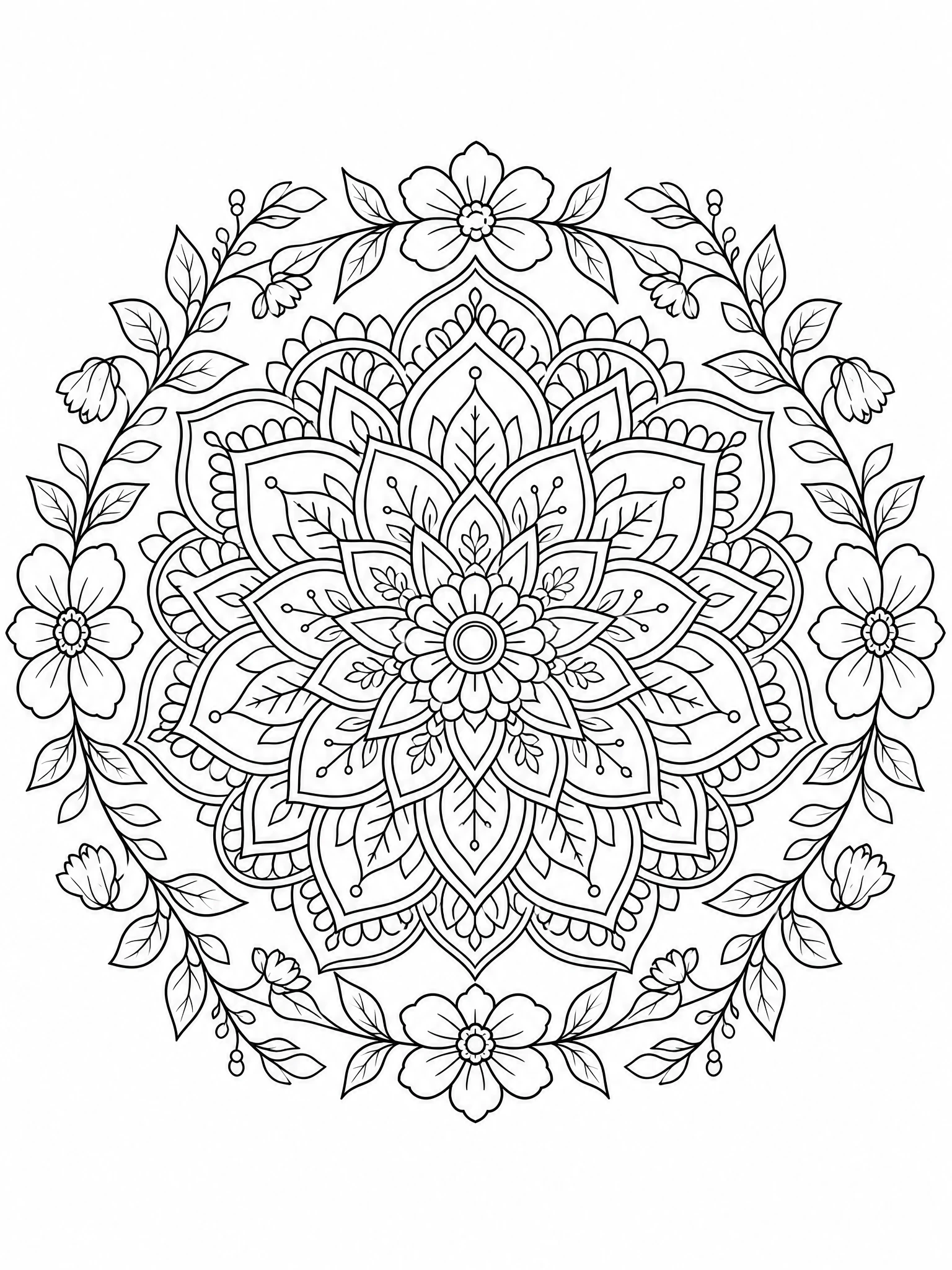
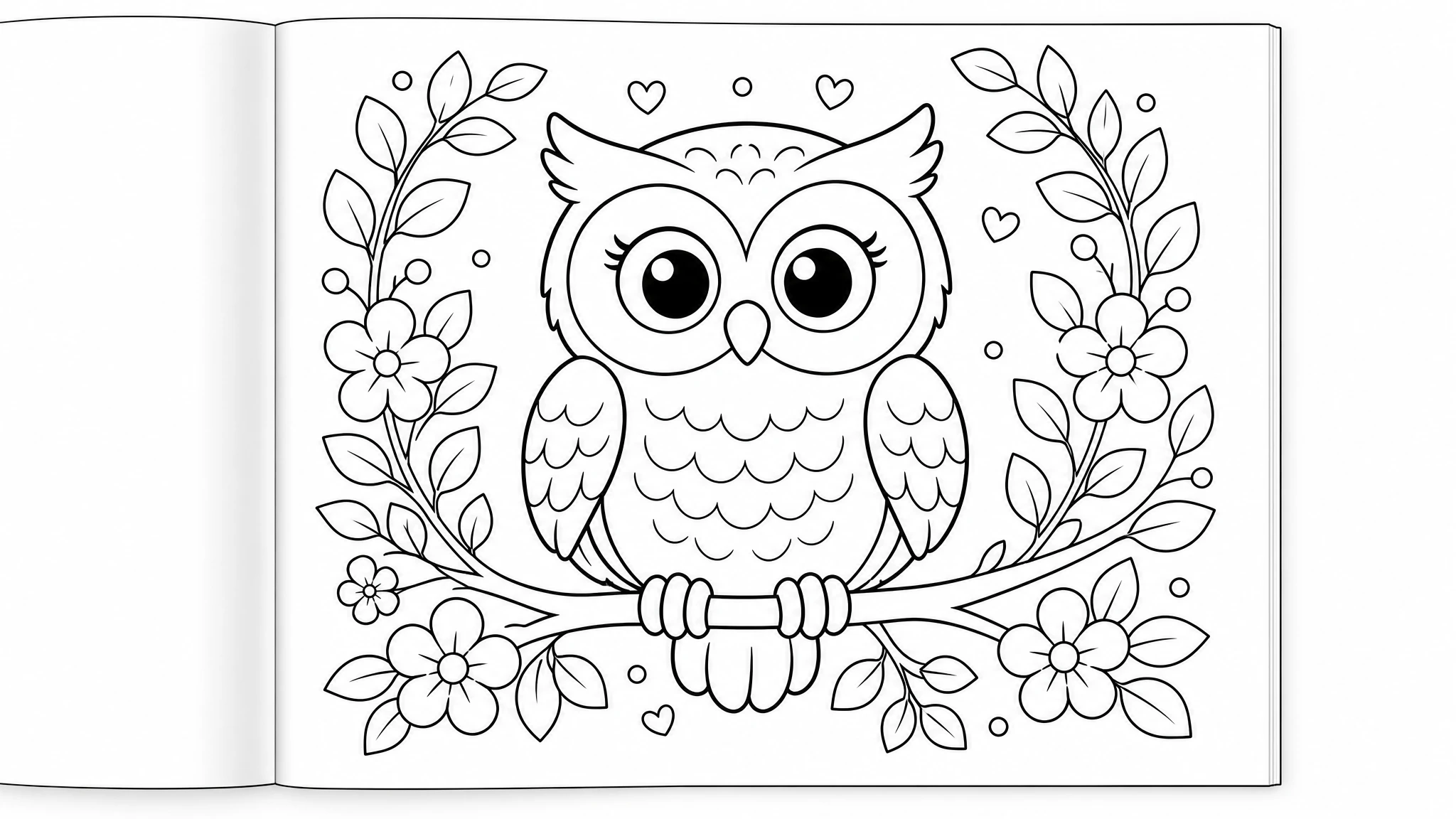
Step 3: Lay Out the Interior Single-Sided
Here's the detail that separates books with 4.5-star reviews from books with “markers bleed through” complaints: print each design on the front of a page and leave the back blank. KDP paper is thin enough that markers and gel pens ghost through; single-sided layouts make that irrelevant. KDPBuilder supports single-sided coloring interiors as a layout option — each design gets a blank reverse automatically, and page counts and spine width are recalculated for you.
- Trim size: 8.5″ × 11″ is the standard for coloring books — big pages are the point.
- Page count: 50–60 designs → roughly 100–125 pages single-sided, a comfortable KDP range.
- Margins: art must stay inside the trim-safe area; full-bleed art requires bleed settings. The layout engine applies these automatically, or read the bleed and margins guide if you're building by hand.
Step 4: Cover, Title, and Metadata
Coloring book buyers browse thumbnails, so the cover must communicate the interior style instantly — most bestsellers put one or two actual interior designs on the cover, colored in. KDPBuilder generates a full paperback wrap (front, spine, back) at the exact dimensions for your trim size and page count, plus title, subtitle, description, and 7 keyword slots based on your niche.
Step 5: Disclose AI Content Honestly
AI-generated images must be disclosed during KDP title setup. It's a dropdown answer, internal to Amazon, invisible to buyers, and has no effect on ranking or royalties — but skipping it risks your account. The exact answers to give are covered in our KDP AI disclosure policy guide.
What It Costs
With KDPBuilder, new verified accounts get 75 free credits, and a complete 60-plus-page coloring book with cover typically uses about 230–280 credits (a short 30-page book roughly 85–125) — so the free tier covers your first pages and a preview, and finishing a full book needs paid credits. Before creating an account you can generate a sample coloring page free on the try-free page, and see a complete generated book in the sample package.
Frequently Asked Questions
Can AI really make a whole coloring book?
Yes. Modern AI image models generate clean black line-art from a text description of your theme. A complete book still needs more than pages: consistent style across 40–100 pages, a KDP-compliant interior layout (trim size, margins, single-sided printing), a print-ready cover with correct spine width, and metadata. Purpose-built tools handle all of that in one flow instead of you assembling pages by hand.
Why should coloring pages be single-sided?
Markers and gel pens bleed through standard KDP paper. Printing each design on the front of the page with a blank back means bleed-through never ruins the next design — it's the layout most bestselling coloring books use and a frequent complaint in reviews of double-sided books.
How many pages should a KDP coloring book have?
Most successful coloring books run 50–110 pages. With single-sided printing, a book with 50 designs comes out around 100–110 pages including front matter. KDP paperbacks need at least 24 pages, and thicker books cost more to print, so 50–60 designs is a practical sweet spot.
Do I have to tell Amazon the pages are AI-generated?
Yes. AI-generated images must be disclosed during KDP title setup, even if you edited them. The disclosure is internal to Amazon, is not shown to buyers, and doesn't affect ranking or royalties — see our full guide to the KDP AI disclosure policy.
How much does it cost to make a coloring book with KDP Builder?
New accounts get 75 free credits after email verification, and a complete 60-plus-page coloring book with cover typically uses about 230–280 credits depending on page count (a short 30-page book runs roughly 85–125) — so the free credits get you a set of pages and a preview, with paid credits needed to finish a full book. You can also generate a free sample coloring page with no account at all.
Turn this idea into a book — free sample
Type a book idea and we'll generate a real cover preview in about a minute. No signup, no card.
