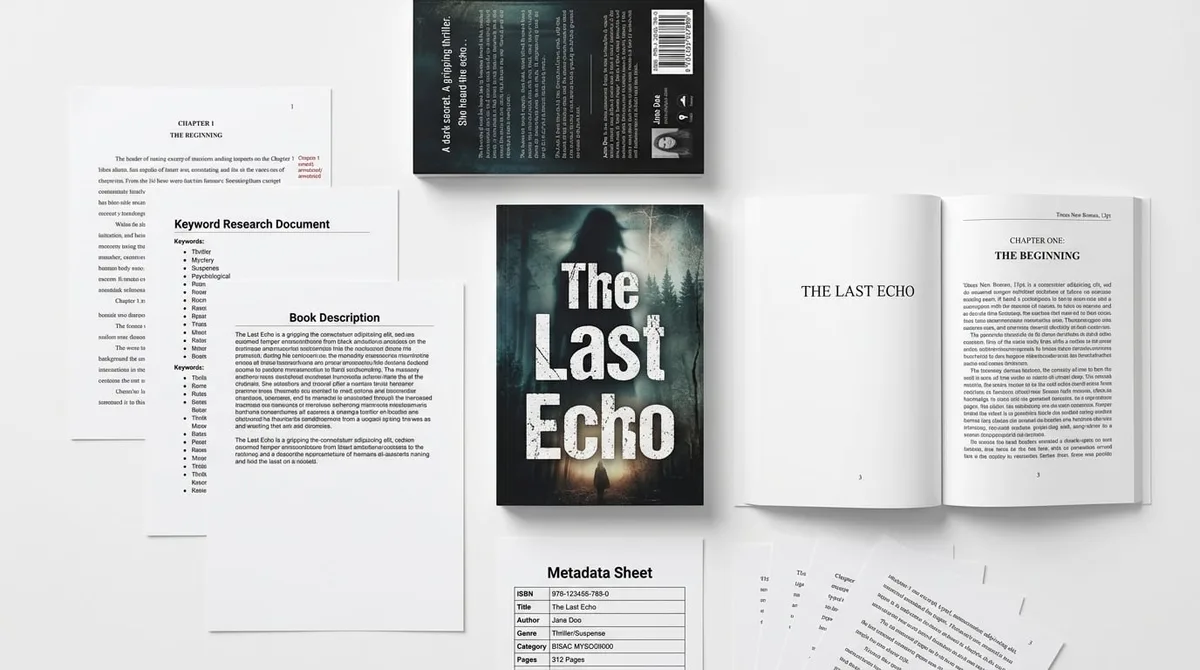
Write Nonfiction Book with AI in 2026
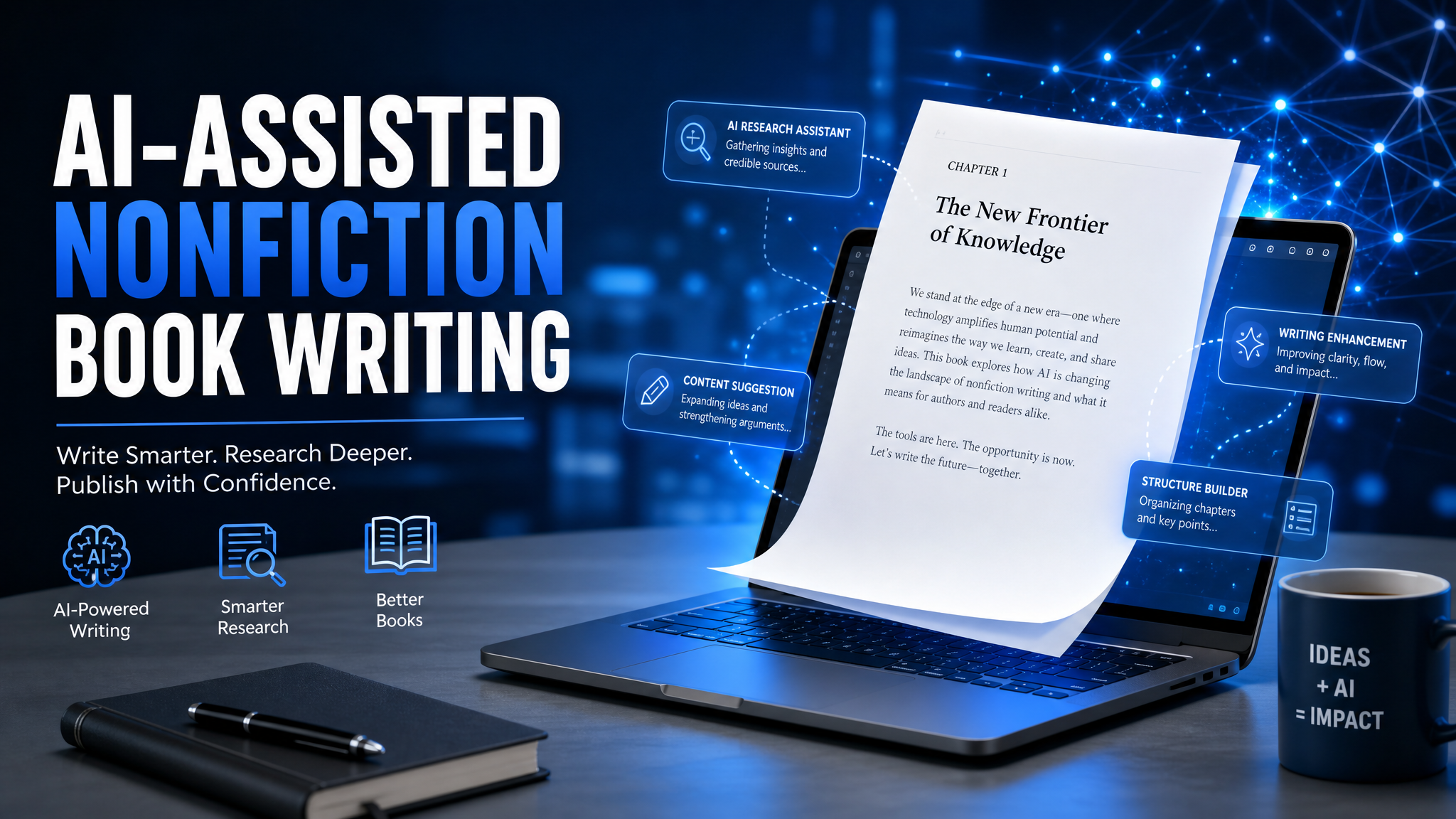
Skip the theory? Generate a free book preview in about a minute — no signup, no card.
Try it freeIf you try to write nonfiction book with ai the way people used to write blog posts, Amazon will usually bury the result. In 2026, the books that still win are the ones that use AI for speed and structure, then human expertise for proof, specificity, and market positioning.
That matters because KDP is still a royalty game: ebooks can earn 35% or 70% depending on price and territory, while paperbacks and hardcovers earn 60% minus print costs. If your nonfiction book is generic, those royalty percentages do not save you. If it is well-positioned, they scale fast.
Definition: To write nonfiction book with ai successfully, use AI to research the market, build the outline, draft one section at a time, and then edit for accuracy, voice, and Amazon-ready metadata before upload.
- Pick one reader and one transformation.
- Mine Amazon demand before you draft.
- Build a chapter framework with a nonfiction book outline template.
- Draft in sections instead of asking AI for a whole book at once.
- Fact-check and add proof so the book feels expert-led, not machine-written.
- Optimize title, description, categories, and keywords for KDP before publishing.
Why 2026 Changes the Way You Write Nonfiction
The 2026 nonfiction market is crowded with low-effort AI books, which is exactly why positioning matters more than ever. Amazon is not rewarding volume; it is rewarding relevance, clarity, and conversion. That means the author who understands reader intent, category fit, and promise-driven packaging usually outranks the author who only speeds through drafting.
Two KDP facts you should use strategically: you can choose up to 3 categories at launch for a book, and KDP gives you 7 backend keyword fields with a 50-character limit each and no commas. That is enough room to match search intent if you plan your metadata like a publisher instead of stuffing phrases randomly.
Here is the part many first-time authors miss: AI books do not get rejected because they are AI. They get rejected because the files, metadata, or claims are sloppy. In 2026, KDP is especially unforgiving about mismatched titles, misleading subtitles, low-resolution images, and interiors that do not match the final page count.
If you want to move faster without guessing, KDP Builder’s Nonfiction Book Creator uses the Discovery → Writing → Editing → Design → Covers → Publishing pipeline so you do not have to stitch together seven separate tools to get to a clean manuscript.
Nonfiction Book Outline Template That Actually Converts
A strong nonfiction book outline template is not a list of chapter names. It is a reader journey: problem, insight, method, proof, and implementation. AI is useful here because it can help you generate variants quickly, but you still need a structure that makes the book feel actionable from page one.
Use this conversion-ready template for most business, self-help, or practical nonfiction:
- Front matter promise: one sentence that says who the book is for and what result it delivers.
- Introduction: why this problem matters now and why your approach is different.
- Chapter 1: diagnose the reader’s current pain and mistakes.
- Chapters 2-4: teach the core method in steps, not abstract theory.
- Chapter 5: show examples, case studies, or a quick-win implementation.
- Chapter 6: handle obstacles, objections, or common failure points.
- Final chapter: a 30-day plan, checklist, or next action sequence.
For self-help books, the promise must be emotionally concrete: less overwhelm, better boundaries, more confidence, better routines. For how-to books, the promise must be operational: install, configure, calculate, launch, repair, plan, or build. If the reader cannot see the before and after, they will not buy.
If you want to skip the blank-page phase, try Nonfiction Book Creator first. It helps you move from a topic idea to a book-shaped structure before you waste time drafting chapters that will get cut later.
Prompt Formula for an AI-Friendly Outline
Do not ask AI to create a generic book outline. Ask it to behave like an editor who understands Amazon conversion. A better prompt looks like this:
Act as a developmental editor for a nonfiction author. Create a chapter-by-chapter outline for a book that helps [reader] achieve [specific outcome] in [timeframe]. Include the main pain points, the practical method, likely objections, and one quick win per chapter. Make the outline suitable for Amazon KDP nonfiction.
That prompt forces structure, not fluff. Then you refine the output by deleting duplicated ideas, combining weak chapters, and ordering the book so the easiest win comes before the hardest lift.
Step-by-Step: How to Write Nonfiction Book with AI
1) Choose one reader and one transformation
The fastest way to write a weak nonfiction book is to write for everyone. Instead, define the reader by stage and pain. For example: first-time managers who need confidence in one-on-ones, new freelancers who need a client system, or parents who want a 15-minute meal routine. Then define one measurable transformation. A book with one clear outcome is much easier to outline, title, and market.
Use this filter: if your book cannot be summarized in a single sentence starting with How to, The system for, or the 7-step method for, the scope is probably too broad.
2) Mine Amazon before you draft
This is where most authors waste weeks. They draft first, then discover the market wants a different angle. Use Amazon search suggestions, competitor covers, and category rankings to find the language readers already use. KDP Builder’s Amazon Intel layer is built for this kind of work: keyword mining, competitor analysis, and category strategy before you lock the manuscript.
Look for three things:
- Recurring phrases in top titles and subtitles.
- Pain language in reviews, especially 1- and 2-star reviews of competing books.
- Format gaps such as checklists, templates, workbook style, or case-study-driven guides.
If your topic is business, sales, leadership, or personal finance, consider starting inside Business Book Creator. That workflow is designed for books where authority, proof, and structure matter more than storytelling.
3) Draft section by section, not all at once
AI drafts are strongest when you force them into small containers. Write one section at a time: introduction, one chapter, one subsection, one example. That gives you control over tone, repetition, and accuracy. It also makes it much easier to replace generic filler with your own examples.
A strong chapter prompt should include four ingredients: the chapter goal, the reader problem, the practical method, and the word count range. Example:
Write a 900-word chapter for a nonfiction book about helping new managers run better one-on-ones. The chapter should explain the most common mistake, show a simple framework, and end with a checklist the reader can apply this week.
That prompt gives you useful output. If you only ask for a chapter about one-on-ones, you will get vague advice you still have to rewrite from scratch.
4) Edit like a publisher, not a hobbyist
AI can create speed, but it cannot verify your claims. Your editing pass should have three layers:
- Accuracy edit: verify every statistic, definition, and recommendation.
- Voice edit: remove repetitive sentence patterns and robotic transitions.
- Structure edit: make sure every chapter advances the promise on the cover.
This is also where you remove the lines that sound impressive but do nothing for the reader. If a paragraph does not teach, clarify, or move the book forward, delete it.
5) Package the book for KDP, not just for reading
Readers do not buy an isolated manuscript. They buy a title, cover, description, category position, and promise. That means your title, subtitle, description, and backend keywords should all reinforce the same buyer intent.
Before: spend 10-15 hours manually researching titles, building an outline in Google Docs, writing the manuscript in fragments, then trying to guess the right categories and keywords.
After: use KDP Builder’s Discovery phase to find demand, Writing to generate a structured draft, Editing to tighten the manuscript, Design to prepare the interior, Covers to generate a full wrap, and Publishing to optimize metadata in one workflow.
That difference is not cosmetic. It is the difference between a book that feels assembled and a book that feels published.
Self-Help Book Publishing Guide for 2026
Self-help readers in 2026 are skeptical of vague inspiration. They want a specific outcome, a believable mechanism, and a path they can start tonight. So if you are writing a self-help title, cut abstract language and replace it with behavioral specifics.
Use these packaging rules:
- Title formula: outcome plus mechanism, such as Calm in 15 Minutes or The Boundary Reset Method.
- Subtitle formula: who it is for and what it solves, such as A practical system for anxious professionals who need steadier routines.
- Price sweet spot: many nonfiction ebooks perform well between $4.99 and $6.99, which keeps them in the 70% royalty bracket and signals value without feeling expensive.
- Proof style: short exercises, case studies, or before-and-after examples beat long motivational sections.
For self-help, the manuscript should feel like a coached experience, not a lecture. Every chapter should end with a short action. That is how readers finish the book and feel immediate momentum.
If your self-help concept overlaps with leadership, productivity, entrepreneurship, or money, use Business Book Creator to shape the framework before you draft. It is a smarter starting point than freewriting into a 40,000-word pile of repetitive advice.
How-To Book Creation: Formatting, Covers, and Upload Errors
How-to book creation is where many good manuscripts lose money. The content can be solid, but the upload fails because of file settings, cover math, or metadata mistakes. KDP is strict about the basics, and the platform often gives you a green preview check even when a print file is about to be rejected later because the final page count changed.
Common KDP rejection causes for nonfiction include:
- Low-resolution images under 300 DPI in the cover or interior.
- Wrong trim size or margins that do not fit the chosen page count.
- Title stuffing in the subtitle or metadata that looks promotional.
- Broken ebook links or a missing table of contents.
- Cover text too small to read as a thumbnail on Amazon.
For most practical nonfiction, 6 x 9 is still a safe text-heavy trim size, while 8.5 x 11 works better for workbooks, worksheets, and instructional books that need more white space. If you are doing a workbook or structured guide, make the format support the teaching, not just the page count.
KDP Builder’s full cover wrap generation is especially useful here because it builds paperback, ebook, and hardcover covers at 300 DPI from one project. That matters because spine width, bleed, and wrap dimensions are the details that trigger a lot of avoidable upload pain.
Pro tip: finalize your interior page count before you build the cover. On KDP, a small change in page count can shift the spine width enough to break a wrap file even when the Previewer still looks fine. Recalculate after the manuscript is locked, not before.
Also remember that KDP gives you only 7 backend keyword slots. Do not waste them on duplicate phrases or broad terms that do not match buyer intent. Use one slot for the core problem, one for the audience, one for the format, and the rest for niche variations readers actually search.
If you need help with title testing or description framing, KDP Builder’s free tools are useful before upload: the Book Title Generator for keyword-aware title ideas, the Book Description Generator for conversion-focused copy, and the KDP Royalty Calculator for price checks. That combination prevents one of the biggest beginner mistakes: pricing a book without knowing what KDP will actually pay you.
Your 30-Minute Launch Checklist
If you want to move from idea to draft today, use this sequence:
- Write one reader sentence: who the book is for and what result it promises.
- Search Amazon for competing titles and note repeated words in titles, subtitles, and reviews.
- Build the outline using the chapter structure above.
- Draft chapter 1 and one practical chapter first, not the introduction last.
- Run the manuscript through an edit pass for accuracy and repetition.
- Prepare metadata: title, subtitle, description, categories, and 7 backend keywords.
- Build your cover only after the page count is locked.
This is the publishing workflow that keeps books from stalling in draft mode. It also gives you a clean path from idea to KDP upload without bouncing between unrelated tools.
If you want a faster start, open Nonfiction Book Creator and generate your first structure with 75 free credits, no credit card required. Then use the same project to move through writing, editing, cover creation, and publishing instead of rebuilding the book from scratch.
Bottom line: the best way to write nonfiction book with ai in 2026 is to let AI handle speed, while you handle market fit, truth, and positioning. That is how you publish a nonfiction book that can actually compete on KDP.
Turn this idea into a book — free sample
Type a book idea and we'll generate a real cover preview in about a minute. No signup, no card.