Self Publish Children's Book in 2026: KDP Guide
Skip the theory? Generate a free book preview in about a minute — no signup, no card.
Try it freeSelf publish children's book projects are won or lost before a single sale happens. In 2026, the books that perform on Amazon are not just cute—they are formatted correctly, priced with intent, and built around a niche parents actually search for. On KDP, a paperback can earn 60% royalty minus print cost, but that margin disappears fast if your trim size, cover wrap, or metadata is sloppy.
If you want to self publish children's book titles that survive KDP review and compete in a crowded marketplace, the process is simpler than most beginners think: validate demand, write for page turns, create consistent art, build a print-ready interior, design the wrap correctly, and optimize metadata for Amazon search.
Definition: to self publish a children's book in 2026 means you control the manuscript, illustration pipeline, layout, cover, pricing, and KDP metadata, then upload the finished files to Amazon for paperback, hardcover, or ebook distribution.
What changed in children's publishing in 2026
The market is still growing, but buyers are more selective. Parents and gift buyers now spot weak covers, generic concepts, and AI art inconsistency within seconds. That means your edge is not just the story; it is execution. Books that win usually do one of three things well: they solve a specific problem, serve a narrow age band, or become a repeatable series with a recognizable visual identity.
There is also a new reality around kids book illustration ai. AI can accelerate concepting and scene generation, but Amazon requires you to answer its AI-generated content questions honestly. If your illustrations or text were AI-assisted, disclose that accurately. In 2026, mislabeling your content is a faster path to problems than weak artwork.
Another shift: Amazon is stricter about formatting mistakes than most first-time authors expect. The KDP dashboard does not tell you everything. It will happily accept a file that later fails the print preview because your spine width is wrong, your bleed is missing, or your title text is too close to the trim edge. That is why workflow matters more than inspiration.
How to self publish children's book titles step by step
Here is the practical framework I use when publishing picture books and early readers:
- Choose the reading age first. A 3-5 picture book needs page turns, rhythm, and minimal text. A 6-8 early reader needs cleaner sentence length and slightly more dialogue. Do not write the manuscript before you know the age band.
- Validate demand with Amazon search behavior. Use keyword ideas that parents already type into Amazon, then check competing covers, review counts, and price ranges. KDP Builder's Amazon Intel is built for this kind of real-time keyword mining and competitor analysis.
- Write to the page count. Most picture books are 24 or 32 pages because that matches print economics and read-aloud pacing. KDP paperback books must be at least 24 pages, so do not design a 20-page manuscript and hope it works.
- Plan the art before you generate it. Every spread needs a purpose: setup, conflict, joke, reveal, or emotional beat. If you are using AI or a hybrid art workflow, create a style sheet so every character stays consistent.
- Build the interior at 300 DPI. Amazon KDP expects print-quality files. Low-resolution art is one of the most common rejection triggers, especially when a full-bleed image gets stretched during upload.
- Calculate the cover from the final page count. Spine width changes when page count changes. Freeze the interior before you finalize the wrap.
- Price for the format, not your feelings. Full-color picture books often sell best in the premium gift range, usually around $8.99 to $13.99 for paperback depending on trim size and print cost.
- Optimize metadata before publish. KDP gives you 7 keyword fields, up to 50 characters each. Use them deliberately. Avoid repeating words already in your title and subtitle unless they add a useful search phrase.
If title ideas or subgenre positioning are slowing you down, use KDP Builder's discovery flow before you upload anything. The platform's book tools are designed to move you from idea to finished listing without the usual trial-and-error spiral.
Kids book illustration ai: what Amazon actually allows
kids book illustration ai is useful when you treat it like an art director, not a magic wand. The best AI-assisted children's books in 2026 are still curated by a human with a clear style bible. That means character descriptions, color palette rules, camera angle preferences, and a page-by-page scene list before you generate anything.
Here is the mistake I see constantly: authors generate ten beautiful but unrelated images, then try to force them into a picture book. The result looks polished in isolation and chaotic as a book. Children do not care that one image is impressive; they care that the fox looks like the same fox on every spread.
Use this AI illustration checklist:
- Lock the character sheet first with 3-5 reference poses.
- Keep the palette consistent across the entire manuscript.
- Avoid text inside images unless you are fully controlling the typography later.
- Export at print quality and verify no image falls below 300 DPI at final size.
- Disclose AI use accurately in KDP's content questionnaire if any text or image was AI-generated or heavily AI-assisted.
When you want the illustration pipeline and page planning to stay aligned, Children's Book Creator helps you map scenes, page turns, and visual pacing before you commit to a final layout. That matters because fixing a bad spread after the cover is built usually costs more time than creating the spread correctly the first time.
Pro tip: do not generate the cover until the interior page count is final. A 24-page book and a 32-page book can require a different spine width, and that small change is enough to break an otherwise perfect wrap in KDP's previewer.
Children's book kdp formatting that passes review
children's book kdp formatting is where most first-time authors lose days. KDP is not hard once you understand its expectations, but it is unforgiving about mismatch errors. The manuscript, cover, and metadata must all agree. If the title on the cover says one thing and the KDP title field says another, expect a manual review delay or a rejection.
The most common review problems for children's books are predictable:
- Trim size mismatch between the interior PDF and the cover wrap.
- Missing bleed on artwork that touches the edge of the page.
- Pixelated illustrations caused by low-resolution exports.
- Spine text errors because page count changed after the cover was built.
- Metadata inconsistency between title, subtitle, series field, and cover text.
Trim size decisions matter more in children's books than in most nonfiction. Square formats like 8.5 x 8.5 feel natural for read-aloud picture books, while 8.5 x 11 gives art more breathing room. If your book is text-light, square usually feels premium. If your art is wide and cinematic, a taller format can improve spread impact.
Amazon typically reviews KDP uploads within 72 hours, but books with file issues can sit longer in the queue if the system flags the preview or metadata. The fastest way to avoid delays is to run a final preflight checklist before upload:
- Confirm the final page count.
- Recalculate the cover wrap from that page count.
- Export the interior with bleed if any art hits the trim line.
- Check that font sizes remain readable when printed.
- Preview every spread in the KDP previewer, not just the first few pages.
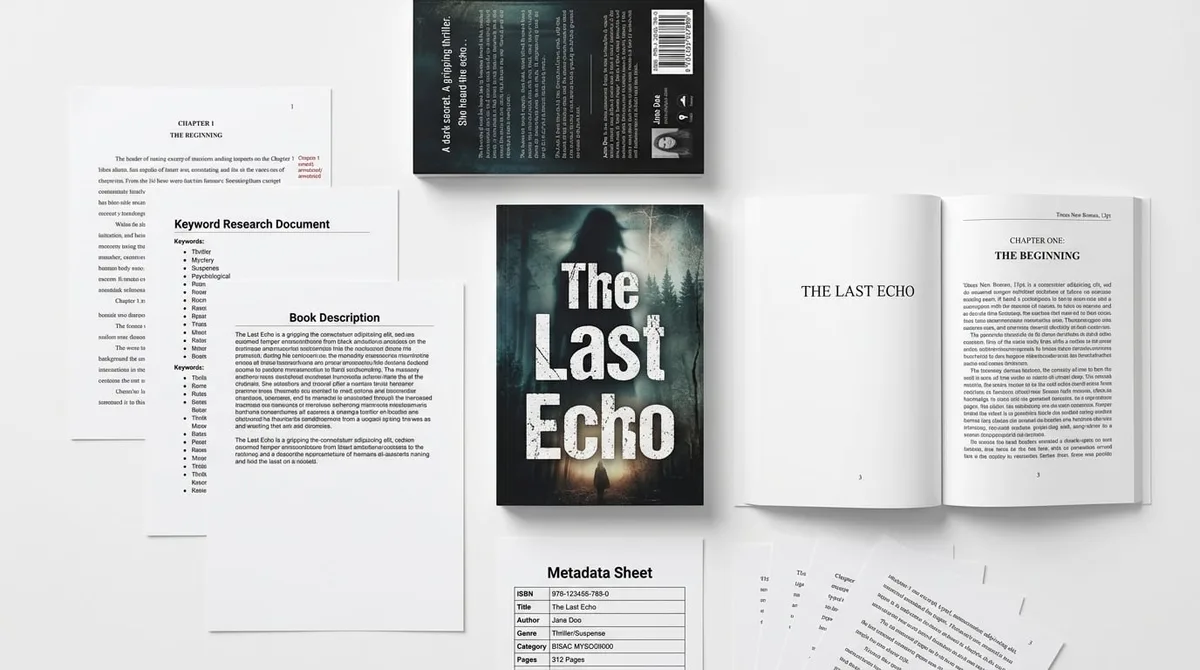
If your cover is the weak link, Cover Designer can generate a full wrap for paperback, ebook, and hardcover at 300 DPI so the spine, barcode area, and title placement are aligned before you upload. That saves hours of fiddling inside KDP's cover tools.
Picture book self publishing 2026: pricing, keywords, and categories
picture book self publishing 2026 is less about flooding Amazon with volume and more about building a book that can actually convert. In 2026, the pricing sweet spot for many color picture books still sits in the premium gift range because buyers expect quality art, thick paper feel, and a polished wrap. Underpricing a children's book can make it look cheap before anyone reads the first page.
For metadata, think like a parent shopper and an Amazon search engine at the same time. A strong title usually combines one emotional hook with one searchable concept. For example, a bedtime story, a potty-training theme, a monster-fear angle, or a school-readiness angle will often outperform a vague cute-animal title with no clear use case.
Backend keyword strategy in KDP should follow this rule: use phrases that the buyer would actually search, not a list of random nouns. Better phrases include age, format, behavior outcome, and theme. Poor phrases repeat the same word fifteen different ways. Amazon already knows the title; your backend fields should expand the search net.
Use this metadata checklist before you publish:
- Title: clear, searchable, and not stuffed with awkward keywords.
- Subtitle: explains the benefit or reading context.
- 7 keyword fields: unique phrases that cover age, theme, and use case.
- Categories: one broad children's category and one narrow niche that fits the actual content.
- Description: lead with the problem the book solves, then the emotional payoff.
KDP Builder's free tools are useful here too. If you are stuck on naming or back cover copy, its Book Title Generator and Book Description Generator help surface Amazon-friendly phrasing before you upload. That is especially useful when you are juggling a series launch and do not want to waste your first publishing slot on guesswork.
Before vs after: the difference a real workflow makes
Here is the practical difference between doing everything manually and using a structured pipeline like KDP Builder's six-phase flow: Discovery → Writing → Editing → Design → Covers → Publishing.
Before:
- You brainstorm in a notes app.
- You guess the niche.
- You write pages without a layout map.
- You generate art, then discover the characters do not match.
- You rebuild the cover after the page count changes.
- You upload, then fix review errors one by one.
After:
- Discovery identifies what parents are actually searching for.
- Writing is shaped around page turns and age band.
- Editing catches rhythm, repetition, and awkward read-aloud lines.
- Design keeps illustration placement and typography consistent.
- Covers are generated against the final page count and trim size.
- Publishing uses SEO-optimized metadata and backend keywords before upload.
The time savings are not abstract. They show up in fewer reuploads, fewer cover fixes, and fewer rejected proofs. If you publish more than one children's title, the compounding effect is huge because every reusable decision becomes a template for the next book.
What to check before you hit Publish
Use this final preflight checklist before clicking the KDP publish button:
- Read the manuscript aloud. If a line trips your tongue, a child will feel it too.
- Check page turns. Every spread should end with a reason to turn the page.
- Inspect every illustration at final size. Pixelation that looks minor on screen can look amateur in print.
- Verify the cover wrap. Spine width, barcode space, and title placement must match the final page count.
- Match the metadata. Title, subtitle, and cover text should agree exactly.
- Set a price that protects margin. A premium children's book should still leave room after print cost and royalty split.
- Preview on multiple devices. Kindle preview, desktop browser, and print preview can reveal different issues.
If you are building your first title, do not try to solve manuscript, art, cover, and metadata on the same day. Separate the work into stages, and use software that respects those stages. That is the difference between an overwhelming side project and a real publishing system.
Bottom line: if you want to self publish children's book titles that can actually compete in 2026, focus on market fit, print accuracy, and Amazon search intent—not just the story. The books that win are the ones that look professional, read smoothly, and enter the marketplace with a clear niche.
Ready to turn your idea into a real book? Create your first children's title with Children's Book Creator, build the cover with Cover Designer, then register to get 75 free credits with no credit card and publish your first project in one focused session.
Turn this idea into a book — free sample
Type a book idea and we'll generate a real cover preview in about a minute. No signup, no card.