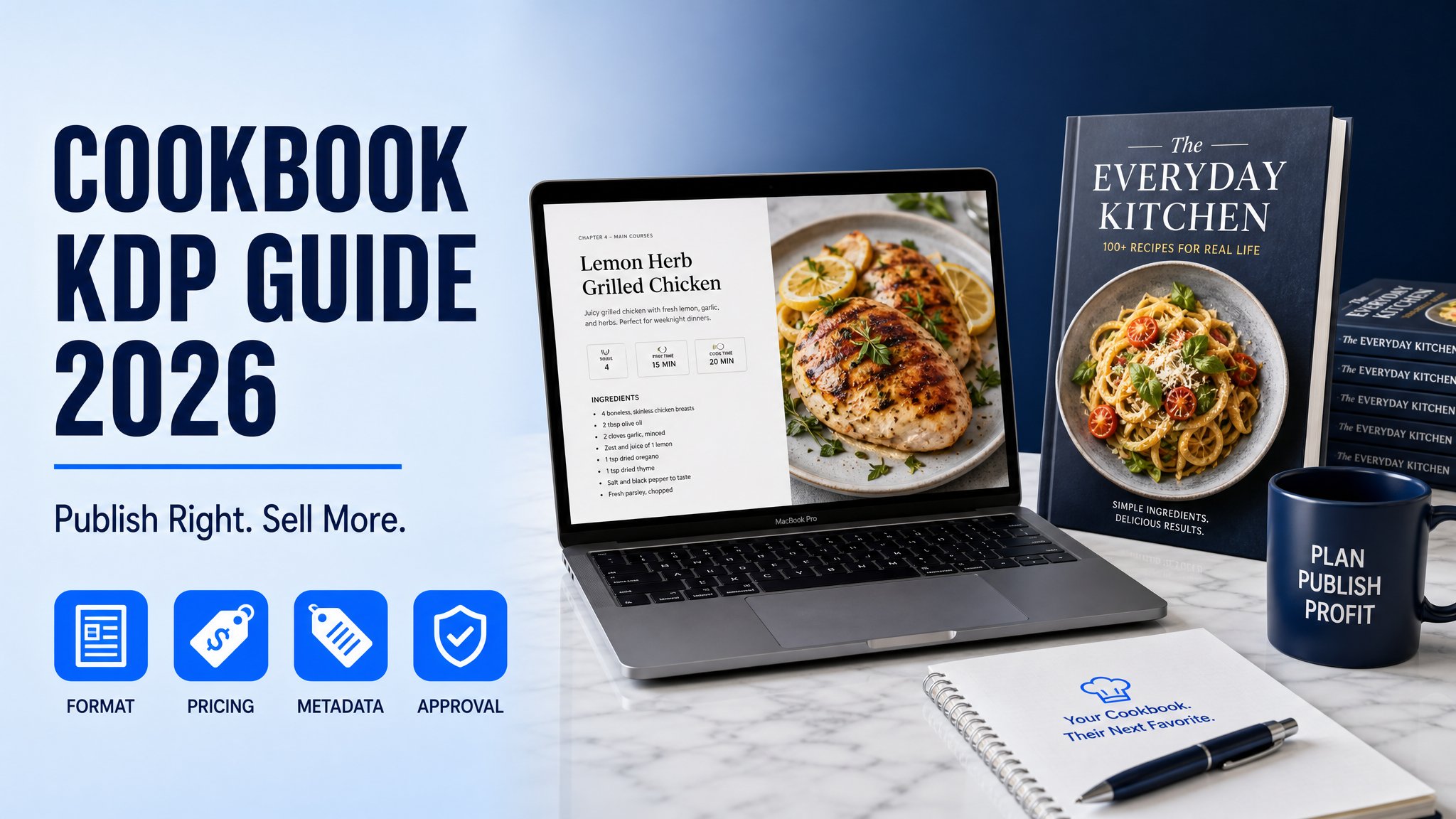
Cookbook KDP Guide: Publish Right in 2026
Skip the theory? Generate a free book preview in about a minute — no signup, no card.
Try it freeIf your cookbook KDP guide still assumes simple text-and-photo pages, you’ll lose time and money in 2026. Cookbook buyers now expect cleaner layout, stronger niche positioning, and lower-friction browsing on Amazon — and KDP’s upload checks are less forgiving than most first-time authors realize.
The good news: you can still self publish cookbook 2026 titles that look premium and rank well if you follow a publishing workflow built for recipe-heavy interiors, not generic book templates. Below is the exact framework I’d use if I were launching a new cookbook this week.
What a cookbook KDP guide must cover in 2026
A real cookbook kdp guide is not just “write recipes, upload PDF, hope for sales.” It should cover three things:
- Market fit — what kind of cookbook buyers are actually searching for now.
- Production — how to format recipes, images, and front/back matter so KDP accepts the file.
- Conversion — title, subtitle, categories, keywords, and cover positioning that help the book get found.
In July 2026, the cookbook niche is competitive but still very workable if you go narrow. Broad topics like “healthy cooking” are crowded; specific buyer intent like high-protein air fryer meal prep or diabetic slow cooker recipes is much easier to own. That’s where KDP Builder’s Cookbook Creator becomes especially useful: it helps you move from idea to a structured manuscript without manually wrestling with page flow and section order.
Start with the right cookbook angle
The biggest mistake I see from new publishers is choosing a recipe topic they like instead of a topic Amazon already rewards. For a cookbook to sell, the reader must instantly understand who it is for and what problem it solves.
Use this simple positioning formula:
[Diet or method] + [meal type or occasion] + [audience or outcome]
Examples:
- Air Fryer Lunches for Busy Nurses
- Low-Sugar Baking for Beginners
- 30-Minute High-Protein Family Dinners
- One-Pot Mediterranean Meals for Weight Loss
This is where Amazon keyword mining matters. KDP Builder’s Amazon Intel layer can surface keyword patterns, competitor positioning, and category opportunities faster than manual browsing. If you’re trying to validate a niche, run your title ideas through the platform’s Cookbook Creator workflow and compare them against what buyers are already clicking.
Use buyer intent, not trend-chasing
In 2026, trend-heavy cookbook topics still work, but only when they align with repeat purchase behavior. A one-season trend can spike impressions and die; a repeatable use case sells year-round.
Higher-intent cookbook themes usually include:
- Diet constraints: keto, diabetic, gluten-free, dairy-free, low FODMAP
- Cooking methods: air fryer, slow cooker, instant pot, sheet pan
- Lifestyle needs: meal prep, budget cooking, dorm cooking, senior-friendly recipes
- Skill level: beginner, 5-ingredient, no-fail, one-bowl
If you don’t know which angle has demand, use the free title and description tools to test phrasing before you spend time on layout. KDP Builder’s Cover Designer is also useful at this stage because in cookbook publishing, cover concept and niche promise should be aligned before you write the final blurb.
Recipe book formatting KDP: what actually matters
For recipe book formatting KDP uploads, the file is judged on clarity and consistency more than decorative flair. A cookbook that looks beautiful in Canva but fails on page breaks, image placement, or caption spacing will create avoidable upload headaches.
Three formatting facts from KDP matter immediately:
- Paperback trim sizes on KDP include common options like 5" x 8", 6" x 9", 8" x 10", and larger formats that are often better for cookbooks.
- Paperback royalties are typically 60% of list price minus printing costs.
- Ebook royalties on KDP are generally 70% or 35%, depending on price and delivery territory rules.
For cookbooks, 8" x 10" is often the sweet spot because it gives enough room for photos, ingredient lists, and step-by-step instructions without cramped pages. If your cookbook is image-heavy, an undersized trim can make it look amateur even if the recipes are strong.
Recommended interior structure
Here is a practical cookbook structure that passes both reader expectations and KDP production realities:
- Title page
- Copyright page
- Dedication or intro — keep it short, 1-2 pages max.
- Table of contents
- Recipe chapters — group by meal type, ingredient, or occasion
- Recipe index — highly recommended for longer books
- About the author
- Optional bonus section — substitutions, measurement charts, storage tips
Every recipe should follow a consistent template:
- Recipe title
- Servings
- Prep time / cook time / total time
- Ingredients
- Instructions
- Notes or substitutions
Do not change formatting from recipe to recipe. Amazon readers notice inconsistency, and reviewers often mention it when they feel the book was rushed.
Pro tip: If your cookbook uses photos, place them consistently on either the top half or full page of a spread. Random photo sizing is one of the fastest ways to make a low-budget cookbook feel “self-published” in the bad sense.
How to avoid the most common KDP rejections
KDP cookbook uploads usually get delayed for predictable reasons, and most are fixable before you ever hit publish. The three most common problems are:
- Bleed issues — images or design elements too close to trim edges
- Font embedding problems — the PDF doesn’t export cleanly
- Broken pagination — blank pages, missing page numbers, or mismatched table of contents
KDP also flags books that look like low-value content, especially if the interior appears too repetitive or too thin for the promise on the cover. For cookbooks, this often happens when creators publish 30- or 40-page recipe collections with a “premium” cover but no real structure.
That’s exactly why KDP Builder’s 6-phase pipeline matters: Discovery → Writing → Editing → Design → Covers → Publishing. Instead of jumping straight to layout, you can build the manuscript with the right depth, then move into formatting once the structure is locked. If you’re stuck on assembly, the Cookbook Creator helps turn your recipe collection into a cleaner, more publishable interior faster than manual page-by-page editing.
Self publish cookbook 2026: a realistic launch plan
If you want to self publish cookbook 2026 successfully, think in phases, not one giant upload. Here’s the workflow I’d use for a first launch:
- Validate the niche with Amazon search terms and competitor covers.
- Create a 1-sentence market promise that appears in the subtitle and description.
- Outline the chapter flow before writing recipes.
- Draft 30-60 recipes only after confirming the concept can sustain a full book.
- Format the interior in one trim size and test print a proof.
- Design the cover for thumbnail readability first, shelf appeal second.
- Set categories and backend keywords based on actual buyer intent.
- Choose launch pricing strategically rather than emotionally.
For most paperback cookbooks, pricing in the range that leaves room after print cost while still signaling value is critical. If your print cost is too high because of heavy color pages, an aggressive low price can wipe out margin fast. That’s why you should calculate before launch instead of guessing. KDP Builder’s free KDP Royalty Calculator is useful here because pricing mistakes in cookbooks are often margin mistakes, not sales mistakes.
Before vs. after: manual publishing vs. KDP Builder
Manual workflow: research keywords in tabs, outline recipes in one tool, design interiors in another, export cover separately, then re-check formatting after every revision.
With KDP Builder: you can move through Discovery, Writing, Editing, Design, Covers, and Publishing in one system, with Amazon Intel informing the niche, the SEO optimizer shaping metadata, and the cover tools keeping the visual promise aligned.
That difference matters because cookbook publishing has a lot of hidden rework. Every time you change a recipe count, intro section, or photo placement, page flow can shift and affect your final PDF. A connected workflow reduces the “fix one thing, break three others” problem.
Cover strategy for cookbook KDP
Cookbook covers sell by clarity, not mystery. The buyer wants to know in one second whether the book fits their cooking style, diet, or equipment.
Use these cover rules:
- One dominant food image or a clean hero composition
- Large, readable title at thumbnail size
- High-contrast subtitle that states the benefit
- Color palette matched to niche — bright for family cooking, muted for wellness, bold for grilling or baking
A common mistake is designing for personal taste instead of Amazon browsing behavior. Readers shop from a grid of tiny images, not a full-screen mockup. That’s why KDP Builder’s Cover Designer is valuable for cookbook publishers: it supports full wrap generation for paperback, ebook, and hardcover at 300 DPI, which helps you keep typography, spine, and back cover consistent across formats.
Metadata and backend keywords that move the needle
Cookbook metadata is not the place for creative prose. It should be precise, searchable, and aligned to the buyer’s problem. The title should carry the core keyword, the subtitle should clarify the use case, and the description should reinforce outcomes plus contents.
A strong Amazon description for a cookbook usually includes:
- A clear niche statement in the first two lines
- What makes the recipes different
- Who the book is for
- What the reader gets inside
- A short credibility line if applicable
Backend keywords should avoid repeating title words and should target synonyms or adjacent intents. For example, if your title already targets “air fryer recipes,” use backend terms like “quick dinners,” “crispy meals,” “weeknight cooking,” or “oven-free meals” rather than duplicating the exact title phrase.
KDP Builder’s SEO optimizer is especially practical here because it helps structure book metadata around actual Amazon search behavior instead of guesswork. If your title feels strong but your discovery traffic is weak, metadata alignment is often the missing piece.
Food book publishing tips most beginners miss
These are the details that separate a functional cookbook from one that gets returned, buried, or criticized in reviews:
- Add yield and timing to every recipe so readers can use the book immediately.
- Use ingredient order consistently with quantities aligned to instructions.
- Give substitution notes for expensive or hard-to-find ingredients.
- Include storage and reheating tips for meal prep or batch cook books.
- Keep narrative sections short; readers buy cookbooks to cook, not to read essays.
Another overlooked issue is accessibility. A cookbook with tiny fonts, low contrast, or overcrowded pages will frustrate readers even if the recipes are excellent. Bigger type, stronger spacing, and cleaner chapter breaks matter more than decorative flourishes.
A practical launch checklist for this week
If you want a short action plan, use this checklist before uploading your cookbook:
- Choose one specific buyer and one specific cooking promise.
- Validate at least 5 competitor books in the same niche.
- Write a subtitle that explains the use case in plain English.
- Format recipes with a fixed template.
- Set the trim size based on image density and readability.
- Export a print-ready PDF and test a proof copy.
- Build a cover that reads clearly at thumbnail size.
- Write backend keywords around adjacent search terms, not repeats.
- Price the book using royalty and print-cost math, not a random round number.
- Launch with one clear category strategy instead of scattering effort.
If you’re still in the idea stage, start with the Cookbook Creator to shape your manuscript, then move to the Cover Designer once the niche and title are locked. That sequence prevents the most common disconnect I see: a cover promising one thing while the interior delivers another.
Final thoughts
Cookbook publishing on KDP is not hard because of recipe writing; it’s hard because the format has to satisfy readers, Amazon’s file checks, and niche-specific expectations at the same time. If you treat this like a design-plus-metadata project, not just a writing project, you’ll dramatically improve your odds of publishing a book that looks professional and sells.
Next step: create your first cookbook concept in KDP Builder, map the structure, and use your 75 free credits to move from research to a publishable draft without paying upfront.
Turn this idea into a book — free sample
Type a book idea and we'll generate a real cover preview in about a minute. No signup, no card.