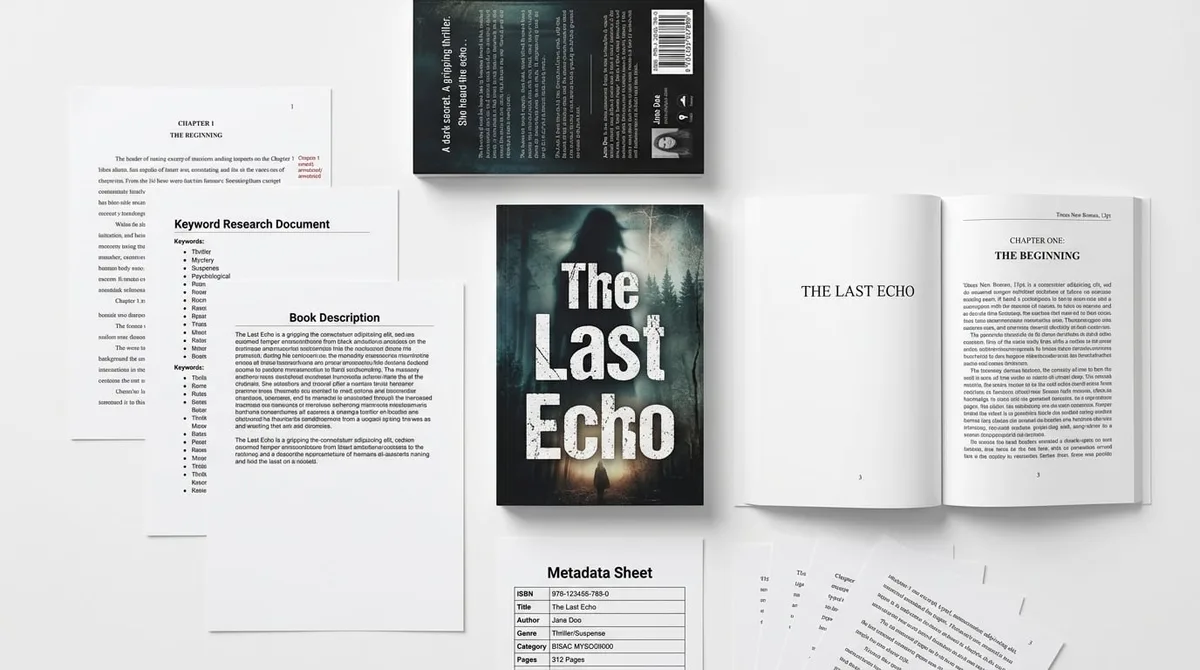
AI Book Cover Design for KDP in 2026
Skip the theory? Generate a free book preview in about a minute — no signup, no card.
Try it freeIn 2026, ai book cover design is not about making pretty art. It is about creating a cover that wins the click at thumbnail size, survives KDP checks, and still looks credible when a reader zooms in. On Amazon KDP, that matters because paperbacks earn 60% of list price minus printing cost, so weak cover conversion directly cuts into royalty math.
If you publish fiction, puzzle books, coloring books, cookbooks, memoirs, business books, children's books, planners, journals, workbooks, or nonfiction, the visual rules change by niche. The wrong style makes a book look like filler. The right system turns a rough idea into a sales asset.
Definition: AI book cover design is the process of using generative tools, market research, and KDP print specifications to create a thumbnail-readable, genre-correct cover that supports sales rather than just decoration.
- It signals the right genre instantly.
- It stays readable at 150 to 200 pixels wide.
- It matches the exact trim size, spine width, and bleed KDP expects.
- It supports the title, subtitle, and price point you plan to launch with.
Why ai book cover design matters more in 2026
By June 2026, the marketplace is crowded with AI-assisted books, AI-assisted covers, and a lot of visual sameness. Readers have seen enough generic glowing faces, over-designed fantasy montages, and flat stock-photo composites to scroll past weak covers in a second. That is why your cover must do more than look polished; it has to communicate promise, category, and quality at a glance.
The KDP side is equally unforgiving. For ebooks, Amazon pays 70% royalty in eligible territories when the price sits between $2.99 and $9.99; otherwise the royalty is usually 35%. For print, the paperback royalty is 60% of list price minus printing cost. Translation: if your cover underperforms, you are not just losing clicks, you are reducing the economics of the whole launch.
In 2026, the best-performing covers usually share three traits:
- Immediate genre clarity — the buyer knows if it is romance, business, thriller, cookbook, planner, or workbook within one second.
- High-contrast typography — tiny title text is the fastest way to lose the thumbnail war.
- One clear focal point — too many AI details become visual noise at Amazon size.
If you want to compare what is actually selling in your niche before you prompt a single image, use Compare Tools to benchmark competing covers, keyword patterns, and category positioning. That is the difference between designing from taste and designing from demand.
The 7-step ai book cover design workflow that works on KDP
The fastest way to waste time is to open an image generator and type something vague like "beautiful book cover." The fastest way to publish a cover that converts is to work from a market brief. Here is the exact workflow I use when I want a cover to hold up through upload, proofing, and sales.
-
Mine the market before you design. Start with your actual subgenre, not your favorite aesthetic. Use competitor screenshots, Amazon autocomplete, and search intent to identify the visual conventions buyers already expect. KDP Builder's Amazon Intel does this work in real time, so you are not guessing which keywords and categories matter.
-
Write a one-sentence cover promise. For nonfiction, that means outcome plus audience: "A simple 30-day meal prep system for busy parents." For fiction, it means trope plus emotional hook: "Enemies-to-lovers romantasy with a dangerous courtship." That sentence becomes your art direction, subtitle logic, and thumbnail message.
-
Generate three distinct directions. Do not settle for the first pretty image. Create one conservative concept, one bold concept, and one minimalist concept. For business, that might mean a clean cover with a strong typographic title, a more visual concept with icons, and a premium editorial layout. For fiction, it might mean character-driven, symbolic, and atmosphere-first.
-
Lock typography before you fall in love with the image. This is where most AI covers fail. At Amazon thumbnail size, the title is the cover. Use two fonts max, keep the title thick enough to survive small screens, and make the subtitle earn its space. If the subtitle is there only to fill white space, remove it.
-
Build the full wrap at 300 DPI. KDP print covers need exact dimensions, not close enough. Paperback and hardcover wraps include front, back, spine, and bleed; ebook covers need the front only. If you want the spine math handled for you, Cover Designer can generate full-wrap paperback, ebook, and hardcover covers at 300 DPI without forcing you to calculate every measurement manually.
-
Check the upload traps that trigger rejections. The most common KDP cover problems are low-resolution images, incorrect bleed, a spine width mismatch after page-count changes, text too close to the trim line, and barcode placement issues. Another quiet problem: a cover that looks fine in the editor but loses contrast after Amazon's preview render. Always inspect the final PDF, not just the generated mockup.
-
Test the cover on mobile before launch. Most sales happen on small screens. Shrink the file until the title is only a few hundred pixels wide. If you cannot read it instantly, neither can your buyer. Order a proof copy for any book where the cover carries high launch importance, especially for premium nonfiction, memoir, and image-heavy titles.
Pro tip: Do not finalize a KDP cover until your manuscript is frozen. Even a small page-count change alters the spine width, and a stale wrap is one of the easiest ways to create a last-minute upload problem that should have been caught earlier.
The KDP dashboard quirk most authors miss
KDP's preview tools can lag behind your last upload, especially if you have replaced a cover file more than once in the same session. That means a stale preview is not proof the file is wrong, and a green checkmark is not proof the design will sell. Refresh the page, re-open the title, and verify the downloaded proof PDF whenever you change trim size, page count, or paper color.
If that sounds tedious, it is because manual cover production is tedious. If you would rather keep the creative part and remove the spreadsheet part, use Cover Designer after you finalize your niche and title. The speed gain is biggest when you publish across multiple book types such as fiction, puzzle, coloring, cookbook, memoir, business, children's, planner, journal, workbook, and nonfiction.
Best ai book generator or ai book writing tools 2026?
People search for the best ai book generator because they want speed, but in 2026 speed alone is not a publishing strategy. The winning tool is the one that keeps your concept, outline, cover promise, description, and metadata aligned. That is especially true for ai book writing tools 2026, where the book can be generated quickly but still fail because the cover looks like it belongs to a different market.
KDP Builder's 6-phase pipeline is built for that exact problem: Discovery → Writing → Editing → Design → Covers → Publishing. Instead of treating cover design as a separate project, it lets the visual brand grow from the same market research that shaped the manuscript.
If you are starting with the manuscript first, use Novel Writer to build your draft from a market-aware outline. The practical advantage is simple: the same hooks that shape the story also shape the cover, subtitle, and back-cover promise.
Before: you write in one tool, generate art in another, resize in a third, rewrite metadata in a fourth, and then discover the spine is wrong after the interior changes by eight pages.
After: you choose one niche, one promise, one cover style, and one launch path. The result is a manuscript, cover, description, and keyword set that all point to the same buyer intent.
That is why the best AI book generator in 2026 is not the loudest image model or the flashiest chapter writer. It is the platform that helps you publish a coherent book package, not just a pile of files.
ai for self publishing: pricing, metadata, and launch checks
AI for self publishing works best when it reduces rework after you have already made the expensive decisions. Once the cover is locked, your next job is pricing and metadata. This is where many authors lose margin because they guess instead of calculating.
Here are the two KDP pricing facts every publisher should know:
- Ebooks can earn 70% royalty in eligible territories when priced between $2.99 and $9.99.
- Paperbacks earn 60% of list price minus printing cost.
That means a price that looks good on paper may still produce weak profit once printing and delivery are deducted. Use KDP Builder's KDP Royalty Calculator before you lock the launch price, especially for longer nonfiction, full-color interiors, and low-margin workbooks.
Here is the metadata rule most beginners miss: the cover and the backend keywords should reinforce the same buyer language, not repeat the same words. If your cover says "meal prep cookbook," do not waste all seven keyword slots on that exact phrase. Use adjacent intent instead: quick dinners, healthy lunches, family recipes, budget meals, and high-protein plans. That is how you extend reach without sounding stuffed.
Launch checklist for ai for self publishing:
- Confirm trim size first — common sizes like 5 x 8, 6 x 9, and 8.5 x 11 are safe for many niches, but your category and page count should drive the choice.
- Recalculate the spine after the final interior export.
- Check barcode space on the back cover so your title or subtitle does not crowd it.
- Export print files at 300 DPI and review the downloaded PDF, not only the browser preview.
- Match the cover claim with the title, subtitle, and description so the shopper feels a single clear promise.
Once the cover is ready, use KDP Builder's SEO optimizer for book metadata and backend keywords so your launch copy matches the visual promise. That is where strong covers start compounding into stronger discoverability.
Common KDP cover mistakes I still see in 2026
Even experienced publishers still make the same cover mistakes because AI tools make creation easier faster than they make decision-making easier. If you want a cover that holds up in Amazon search results, avoid these:
- Too much visual detail. A cover with five focal points reads as clutter at thumbnail size.
- Weak title contrast. If the title blends into the background, the cover loses the click.
- Genre mismatch. A minimalist business cover can work beautifully for nonfiction and fail completely in dark romance.
- Spine math based on an old page count. One small interior change can break the wrap.
- Subtitle overload. Long subtitles are fine when they clarify the promise, but not when they become a paragraph.
- Using the same visual style across every book type. Planners, journals, coloring books, and memoirs need a different promise than fiction.
- Skipping proof review. The editor is not the same as a printed copy, and some dark covers reveal issues only on paper.
For low-content and utility-led books, the cover must tell the buyer what problem the book solves. A planner should look organized. A workbook should feel useful. A journal should feel intentional. A coloring book should feel fun and open. A cookbook should make the food look edible. The art direction changes because the purchase reason changes.
For fiction, the cover has to sell tone first and plot second. A thriller needs danger. Romance needs emotional tension. Fantasy needs scale or wonder. If you want your cover and manuscript to feel like the same book, that is another strong reason to route the project through Novel Writer before you design the final wrap.
Bottom line: ai book cover design works when it is market-led, format-aware, and built around the exact KDP upload requirements. The model is just the brush; the strategy does the selling.
If you want to publish faster without sacrificing the details that affect approval and conversion, create your first KDP-ready project in under 10 minutes — start with 75 free credits and no credit card required.
Turn this idea into a book — free sample
Type a book idea and we'll generate a real cover preview in about a minute. No signup, no card.